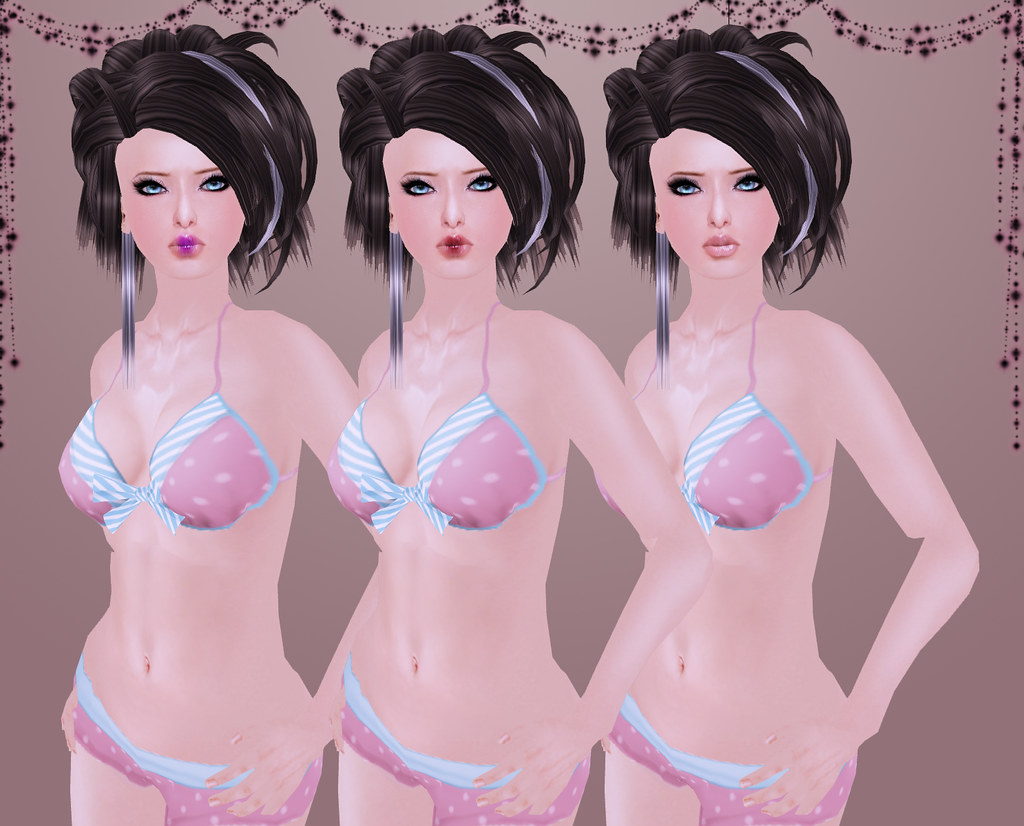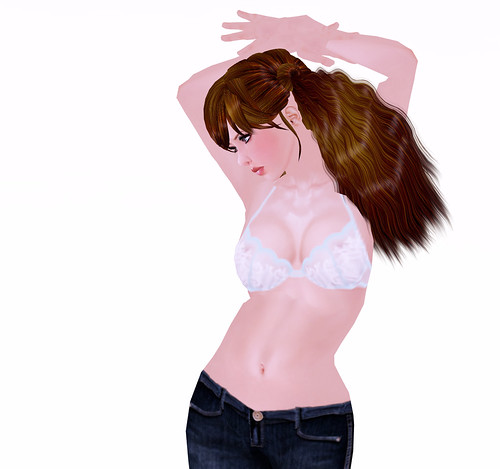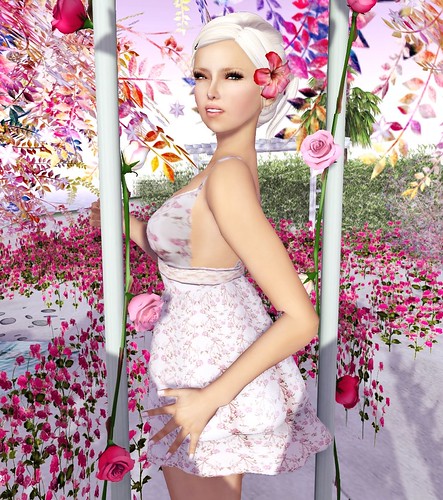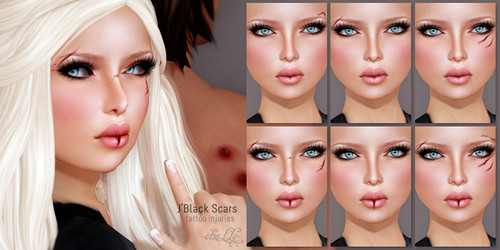
[name removed]: Hi, I’m new to the game and got nothing, I would buy a hair do not have lindens, and everyone is calling me a noob and my doll is ugly, help me with 20 lindens so I can buy a hair? would be very grateful.
At a popular hair shop, this newbie begged me for $20L to buy hair. I kindly pointed him to the free hair fatpack on the wall and he ignored me. If you’re gonna beg, make a better excuse! And besides, you don’t need any money at all to transform your newbie doll into a pretty one.
The average newbie may not know where to go for all the nicest freebies but I’m totally confident that an older player will know exactly where to look to find the best free (or cheap) deals.
So here is the challenge SL, if you choose to accept it:
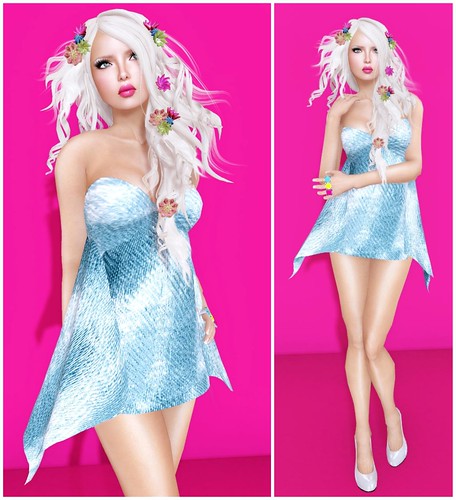
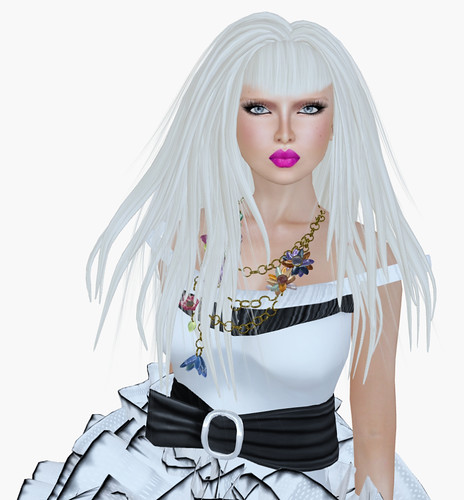
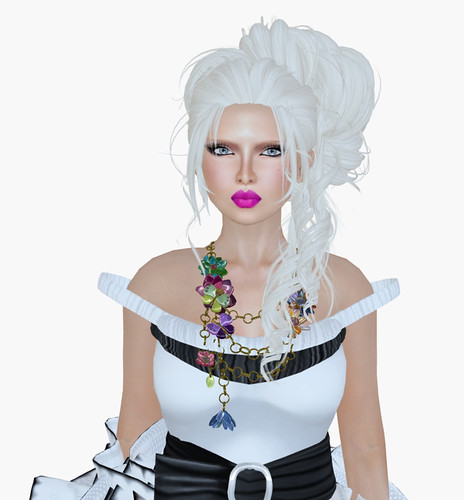
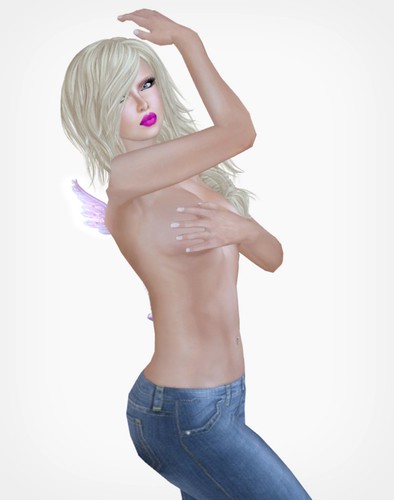
Can you make a nice avatar with little to no money?
This challenge starts now, July 4th, and ends on July 10th. If you do this challenge, please blog your look somewhere or post it on your flickr with style credits so I can do a recap when it’s over.
Newbie Style Challenge Guidelines
Things you can do:
- You can use your existing shape (or give your alt your shape)
- You can purchase freebies, dollarbies (or anything under $20L)
- You can use group gifts, free gifts, hunt items, etc
- You can use it if you win it! (Lucky Chair, Midnight Mania)
- All items must be acquired during the time of the challenge (you can’t use free items not currently available or in paid groups you’re already a member of)
Things you cannot do:
- You cannot spend more than $20L
- You cannot ask your designer friends to send you stuff (and if you’re a designer, you cannot use your own stuff unless it is FREE to everyone else too 😛)
- You cannot use group gifts from groups that are paid-to-join
- You cannot transfer inventory from your main to your alt
- You cannot use anything in the library folders
/revised/ You CAN use some items from the library folders, if you really want to! Use sparingly.
I have decided to do this challenge myself on a new alt account, so I don’t cheat and use my current inventory in my final look.
I’m looking forward to seeing what cute and awesome looks you end up with! Ready, set, go!