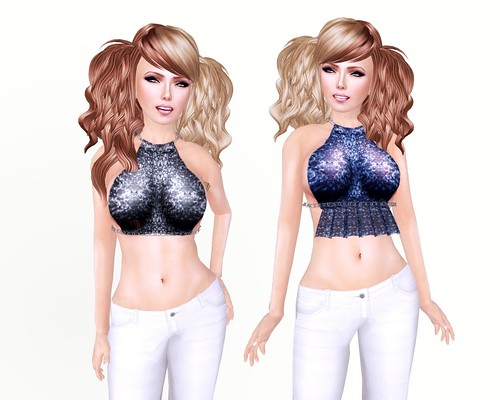
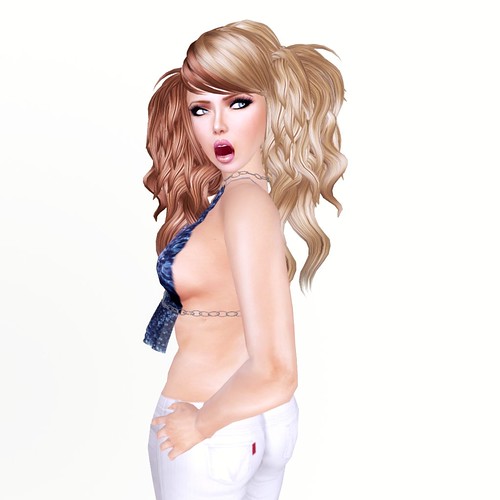
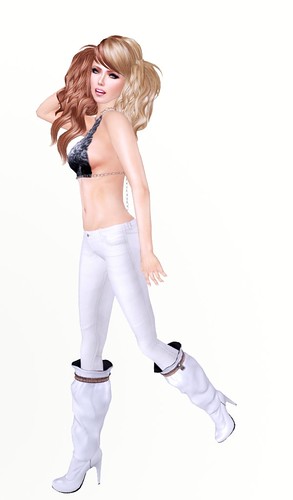
*BOOM* has just released the sexy Barely There halter tops with sparkly sequined fabric and all-prim chains that fits like a glove! Shown below is the Barely There top in Blue and Black and two different ways to wear them (with or without ruffles).
This gorgeous OTOSHIDAMA hair is New Year’s freebie from the +*DEJAVU*+ group, join in-world and check under notices. LilKim Lovell is a hair genius!! I find it hard to recall DEJAVU hair from memory because all the names are in Japanese and they’re really long! For cute hair, I will suffer through the hell that is my inventory and search for it! 😛
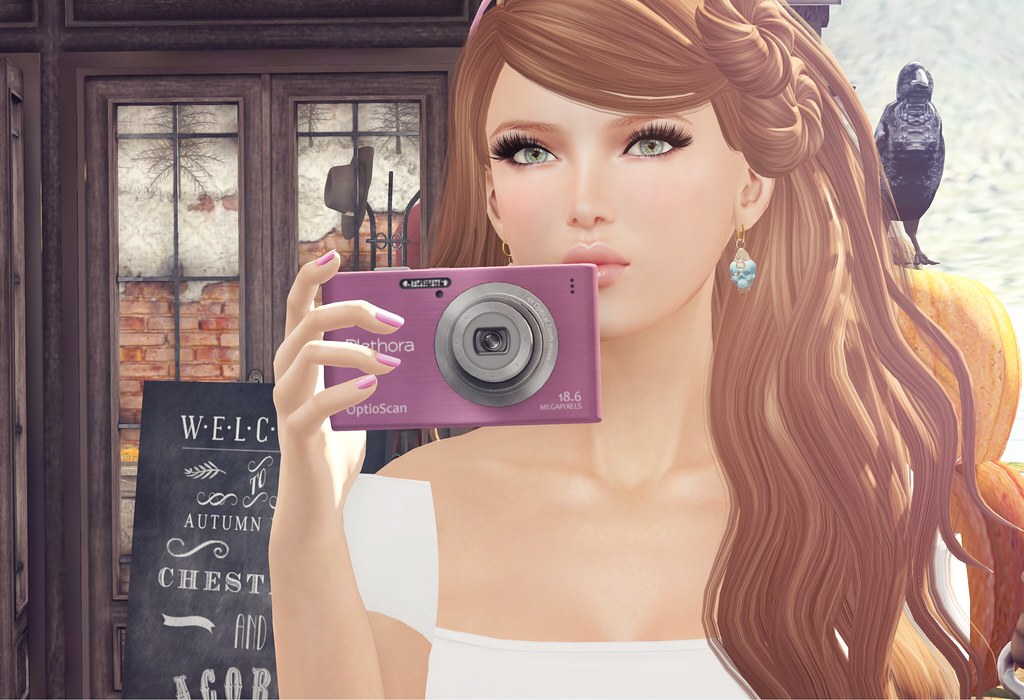
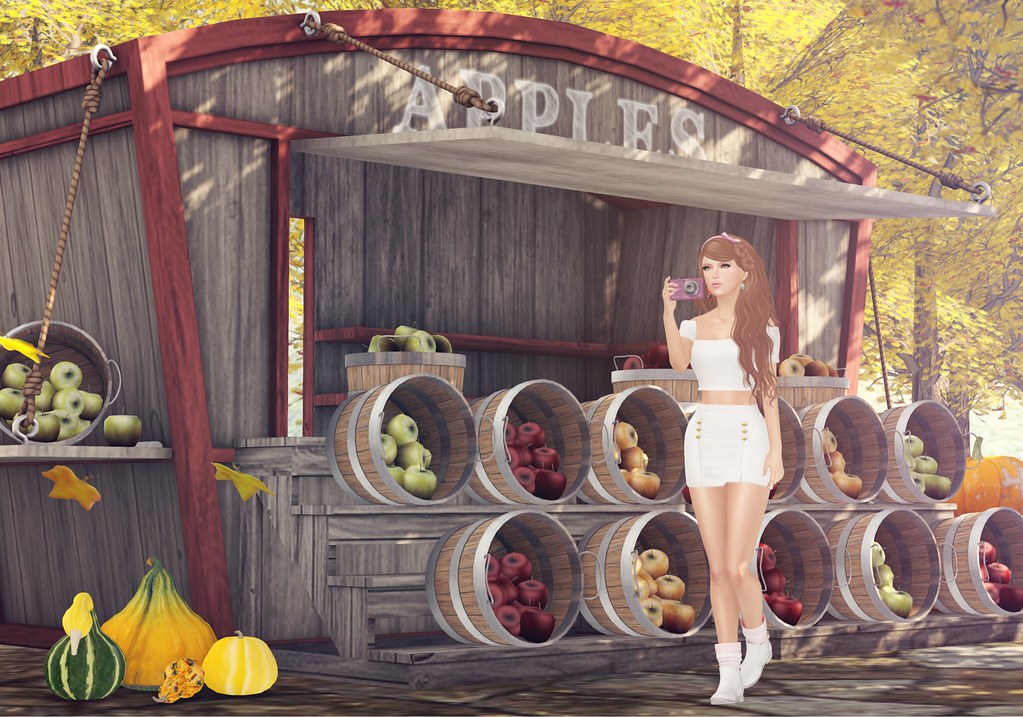
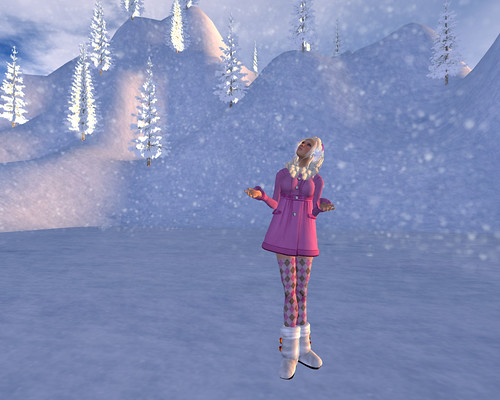
Hello from The Trace! Today I finally changed my outfit and decided to go see this lovely sim that I saw featured on Ziki’s blog. I haven’t felt too inspired lately, cos I don’t like scary things. I’m trying my best to enjoy the rest of autumn in SL without spiders, gore, death, etc. If you’re into that stuff, there are lots of events now with items in that genre, but ME? I WANT A NICE AUTUMN!
Do you know of any more autumn sims in SL that are not scary? Let me know in the comments!
What I’m Wearing:
Pink Fuel Skin
Truth Hair – Bijou
Teefy – Gianna Off Shoulder Top (S) White
Teefy – Edela Buttoned Skirt (White) S
Teefy – Chelsea Boots (White)
G-Field – Single Ribbon Headband (Pink)
Donna Flora – NAHUA Gold Earrings
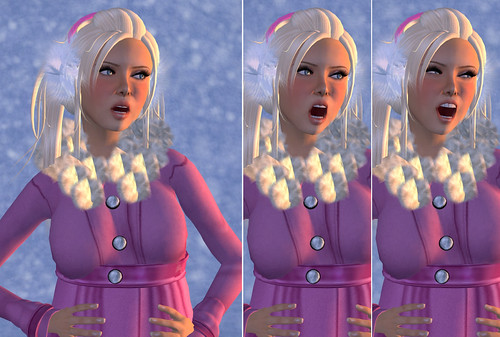
While the SL client does not have built-in emotions for our avatars to express themselves, there are free Emoters available in-world with over a dozen facial expressions. I rarely ever use it, but I find myself wanting to, every time I see screen captures from The Sims!!
The reason I think that most people don’t use Emoters is because it makes our avatars look more creepy than cute! And if you’re a prim-lash-wearing-addict like myself, the prim lashes stay in place and appears to be floating away from your avatar’s face rather than move along with the eyelids. Currently there’s no way to force prim lashes to move, but for photography you can edit them to fit each emotion and fake a perfect fit. 😛
I’m not a Photoshop genius, so I try to set up the shot as close to what I want as possible in-world.
1. Press CTRL+ALT+SHIFT+D, to bring up the Advanced client menu 2. Go to Advanced -> Character -> Slow Motion Animations and click to enable it (Slow Motion Animations is a feature that slows down animations on your client only, so others will not see this but it is useful when trying to capture dances, emotes, poses, etc.) *note: Don’t forget to uncheck Slow Motion Animations once you’re done using it, otherwise animations will look too slow on your client.)
3. Play with the random expressions on the Emoter and snap away!!
For the photograph above, I used a combination of "Mouth Open" and "Big Smile" to create a totally new facial expression! I haven’t experimented with all the expressions to see what "new" emotions I can create, but Slow Motion Animations is a great feature and lots of fun when combined with an Emoter HUD.
Happy…
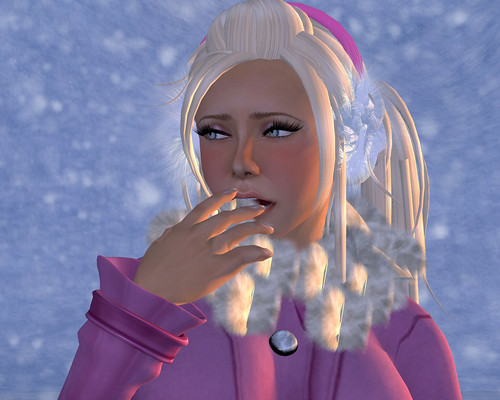
Unhappy….
Where to get an Emoter HUD? I use the one that came with my MystiTool, but they’re free everywhere!! Ask someone you know, they might be able to pass you a copy. 😛
For this blog entry, I’ve tried to use lighting that has more shadows because the images are captured with scenery, rather than my usual prim background. Do you prefer photographs that are typical blog-style (see my Lighting Tutorial) or with more depth? I’ve been criticized for taking ‘flat’ photos because I eliminate all shadows when I blog items… so I’m really trying to experiment with other lighting!
A typical Gogo-style blog photo:
With Shadows:
I agree the 2nd photo makes SL look way better, because SL is beautiful!!!! <3 Windlight. But when I’m blogging skins I prefer well-lit images with no shadows.
Wow! The Fishy Strawberry Fall '09 Collection is stunning and the texture is just so different than anything I've seen on the grid. Fae Eriksen uses a blend of photosource & hand-drawn to create her amazing velvet fabric on the Lucille Oh'doll Dresses. The end result is simply amazing and the fabric has a nice glossy realistic look.
Can you ever have too many babydoll style dresses? Nope! It's my favorite style in SL.
I'm wearing the Equinox Jeans paired with the Poisonous Lotus Tops. The fabric has such a gorgeous vintage look to it, and has that comfy "lived-in" look.
Fishy Strawberry is amazing and affordable, I can't wait to see the rest of the Fall '09 Collection!
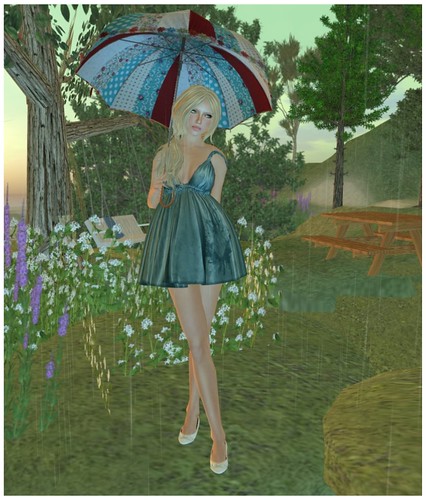
Lelutka – LondonRevolutionLight-makeup3 Truth – Meara (Seaspray), Camilla (Seaspray) House of London/Cherry – The Alice Cullen Flats (Ivory) NODe – umbrella_v2_NO8 *All clothes from Fishy Strawberry
Today I want to share a fun new project called Dream Overlay. It’s a free browser based photo editor that lets you transform your photos with dreamy, nostalgic overlays and effects, whether they’re Second Life screenshots or your real life memories.
If you’ve followed JuicyBomb for a while, you probably know how much I love taking photos in Second Life. I’m also a huge fan of retro aesthetics, old film, film grain, light leaks, faded photographs, rainy windows, and all those little imperfections that somehow make a photo feel more like a memory. Dream Overlay was inspired by that style and by my love of editing photos.
I wanted to create something that made photo editing easy and fun for people like me. You shouldn’t have to buy expensive software or pay for a subscription just to add a little nostalgia to your pictures. Everything runs right in your browser, so there’s nothing to install and no account to create. Your photos stay on your device, and if you’d like to continue editing later, you can export your project as a Dream file and import it again anytime. You can also export full resolution images or create high quality MP4 videos with animated effects.
If you’re not sure where to begin, check out the premade Looks in the sidebar. They’re a fun way to get started with just one click, and you can always customize them further to make them your own.
Photo overlays aren’t exactly a new idea, but I wanted to build something that was simple, completely free, and enjoyable to use. I hope Dream Overlay makes editing your photos a little more fun, whether you’re capturing moments in Second Life or in real life.
A Few Tips
Dream Overlay runs entirely in your browser, so editing very large photos or rendering MP4 videos may temporarily use more memory or CPU power. That’s completely normal and stops once the export finishes. If things ever start feeling slow, try refreshing the page (Ctrl + F5 on Windows or Cmd + Shift + R on Mac), use fewer fewer filters, closing a few browser tabs, or working with a smaller image if you’re using an older computer.
I’m not a professional programmer, so building Dream Overlay has been a learning experience for me. If you happen to find a bug or something doesn’t work quite right, please let me know. I’ll keep improving the editor and fixing issues as I learn.
If you enjoy using Dream Overlay, I’d really appreciate your support by sharing it with your friends. I’d also love to see what you create! Feel free to share your edits in the Dream Overlay Flickr Group so everyone can get inspired by each other. If you post your creations elsewhere, I’d appreciate a credit to Dream Overlay so more people can discover the editor.
I really hope you enjoy using Dream Overlay as much as I enjoyed creating it. Have fun, and I can’t wait to see what you make.
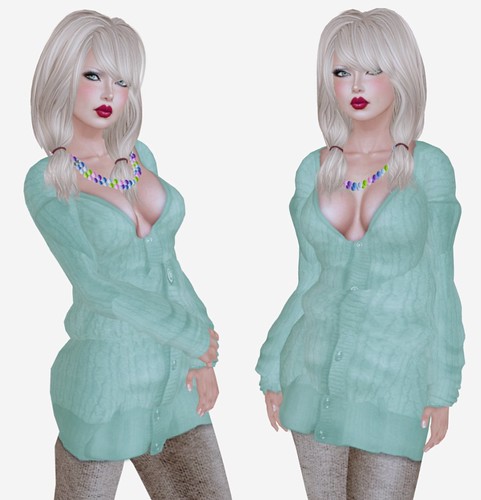
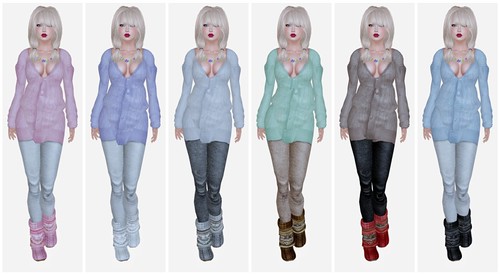
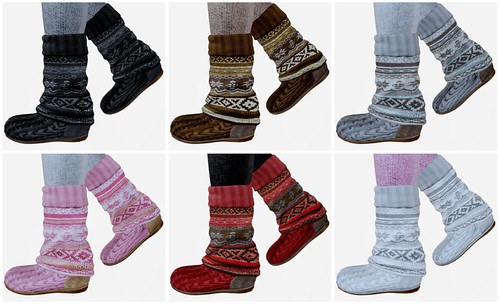
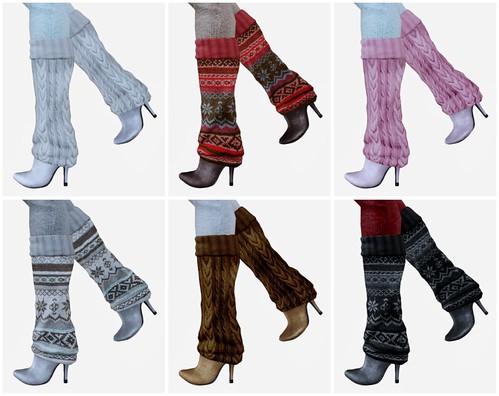
Good things come in sixes! I’ve just found a package of six Fishy Strawberry Oversized Cardigans, that goes perfectly well with six of ANEXX’s KnitLegwarmers Boots. I know, my invy is a total mess. How could I have overlooked these yummy cardigans!
The Fishy Strawberry Oversized Cardigan is available in six colors — and includes a pair of sculpted socks. I’m not wearing it in the picture above, but you can see it here:
I am wearing the cozy knit leggings that’s included in every pair of ANEXX KnitLegwarmers boots. Each pair of boots has 13 different knit leggings colors to choose from and a Nordic or Normal print version of the boots.
Flats version
Heels version
What I’m Wearing:
Gala Phoenix – Petal [Dark] Elf-Happy Holidays
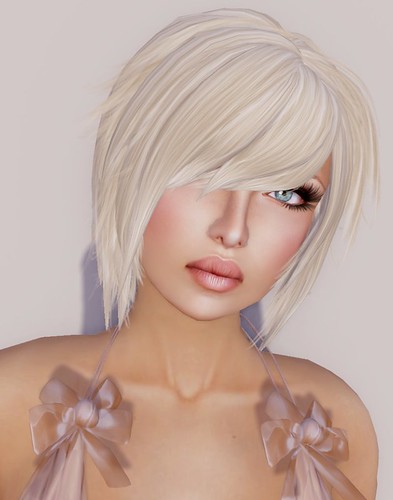
Dernier Cri – Michelle (Blonde Shades)
Fishy Strawberry – Oversided Carigan (all)
skream! – Sticky Fingers (oops, I goofed :X I’m wearing 2 copies at once, that should only be one necklace not a double strand)
ANEXX – KnitLegwarmers Flats/Heels (all)
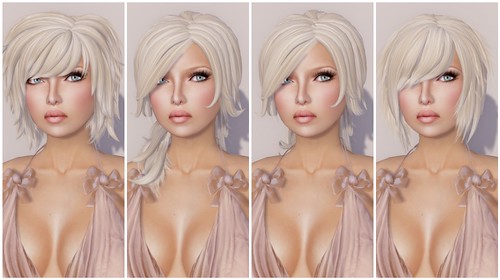
LOGO has just released four new hairstyles and they’re so cute! You may remember that LOGO launched last month during Hair Fair, and now they’ve moved into their new main store.
LOGO – Rebecca | Teresa | Teresa II | Victoria (Platinum)