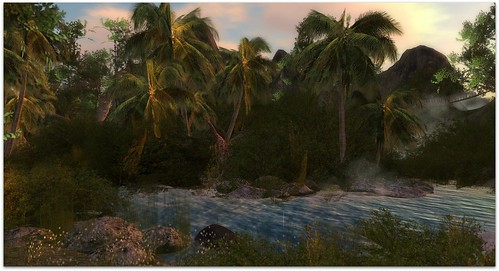
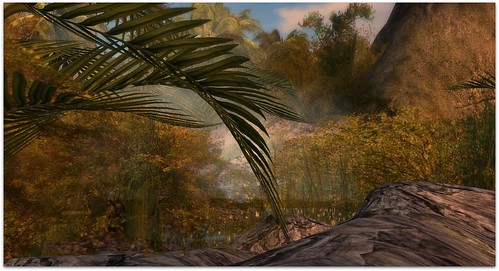
I went to Dernier Cri for the new hairstyles, and normally I grab the hair and leave but today I caught a glimpse of some gorgeous palm trees outside so I had to go look. You guys know how much I love palm trees!!! The entire Dernier Cri sim had transformed into some spectacular jungle and she has a hippo and a giraffe!! It’s gorgeous. I normally wouldn’t go exploring on a hair sim, but this sim was worth exploring. Tons of great photo opportunities here!
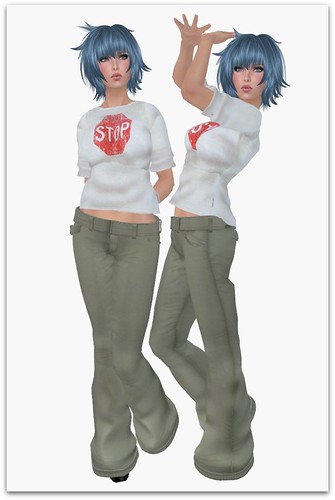
There were four new hairstyles but I settled on this cute one called Ann. It comes with 3 bangs versions and all 10 colors funky colors (I bought the Rainbow Shades pack).
This is the most covered up I’ve been in awhile! I’m wearing new long pants from LeLutka and a cute sculpted top from couverture. I figured this was a nice “jungle” look and it pairs well with this adorable blue hair color.
The skin is a beta skin from Pink Fuel, but knowing Mochi Milena, she will change it 10000x more times before it’s released so just enjoy the cuteness 🙂 I don’t have any more info on it.
What I’m Wearing:
Dernier Cri – Ann (Rainbow Shades) 10 shades
Pink Fuel – Elly (unreleased)
couverture – The Stop Tee (White)
LeLutka – Chaldea Pants (Spring)
Pixel Mode – Baby T’s Plain (Black)
Black Dragon has just released an update that includes a revolutionary new feature – the ability to create and export poses from the viewer! The pose edit menu was already a great way to adjust poses, but now you can also make poses from scratch and save them as .anim files to your computer. These poses can then be uploaded back to Second Life, making it much easier to create custom poses.
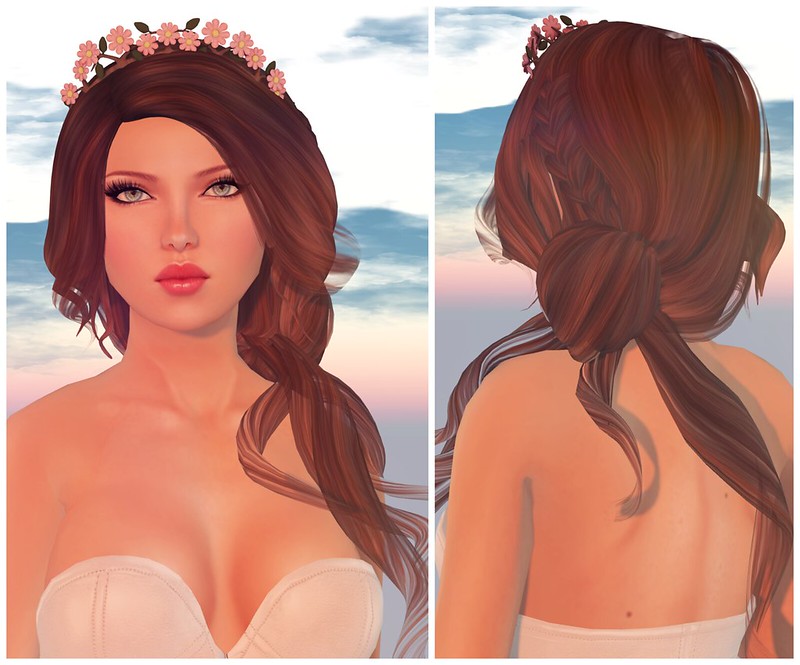
The new Where We Belong hairstyle from Exile is so adorable! I love the side braid sooooooo much! I added the Floral Headband from Tea Soup, it fits perfectly. This hairstyle will be available at the September round of faMESHed, be sure to check it out!
What I’m Wearing:
Pink Fuel – Harley (Peach)
Exile – Where We Belong
Tea Soup – Floral Headband
One Bad Pixel – Leather Bustier (S) White
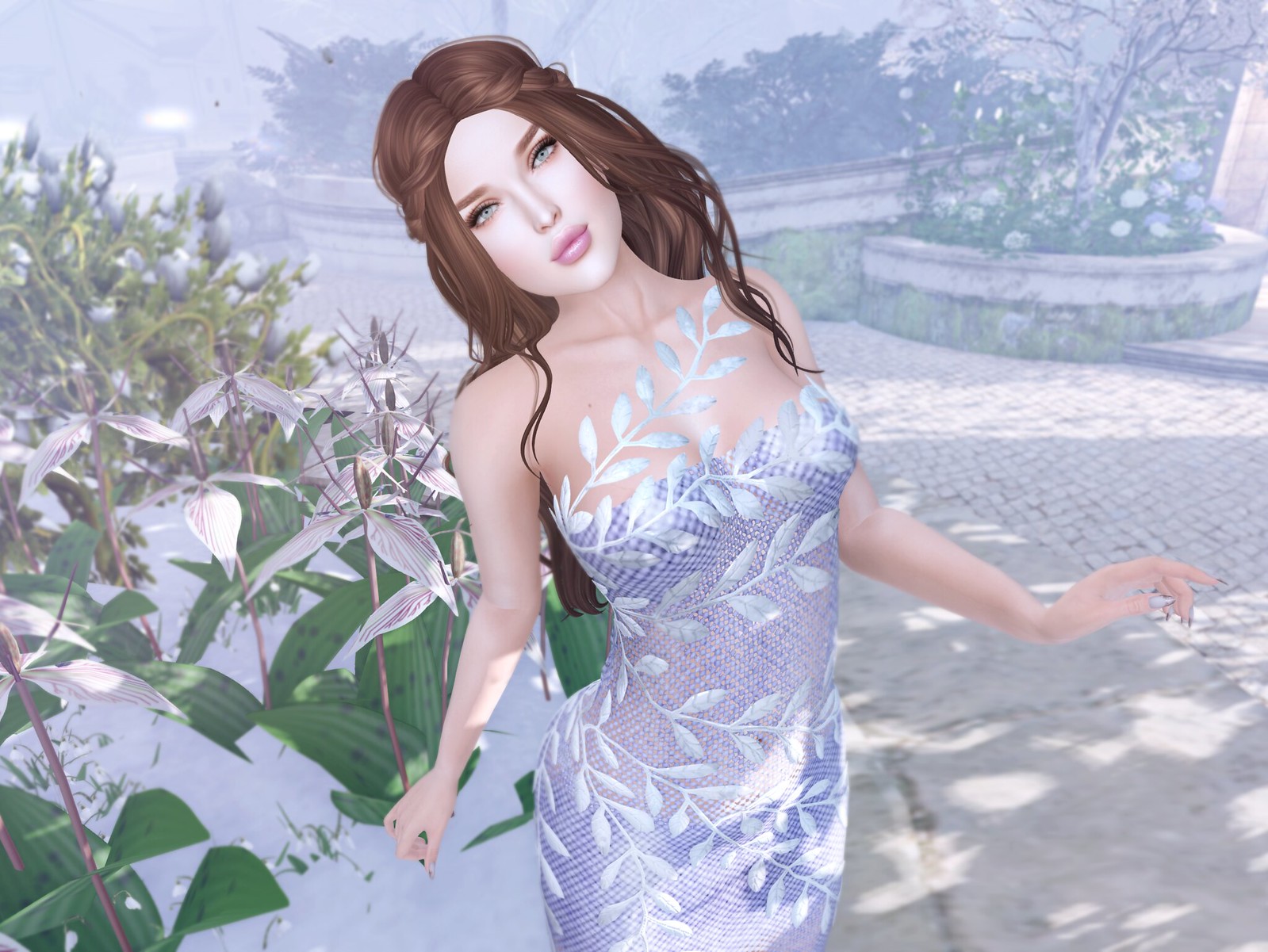
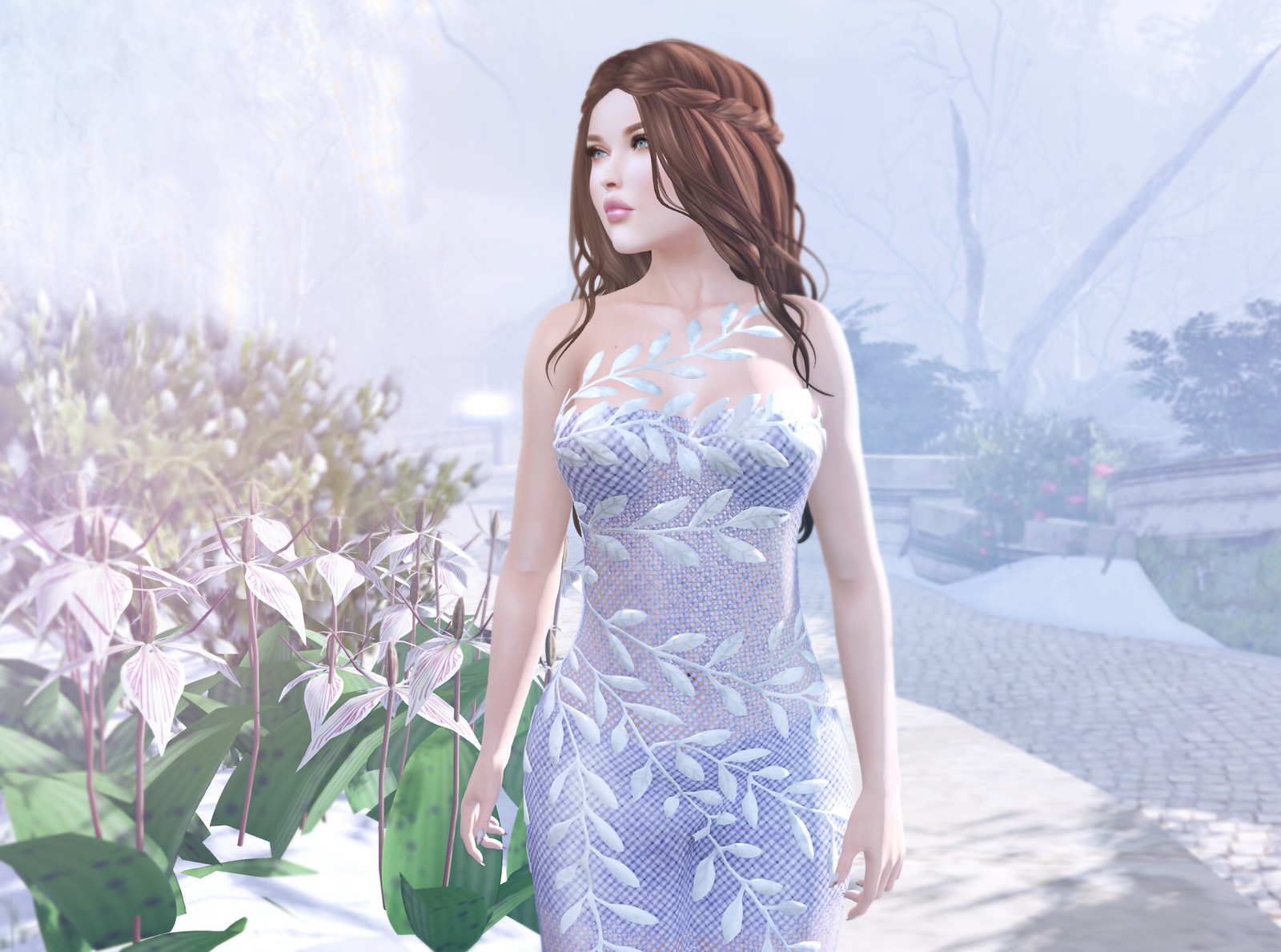
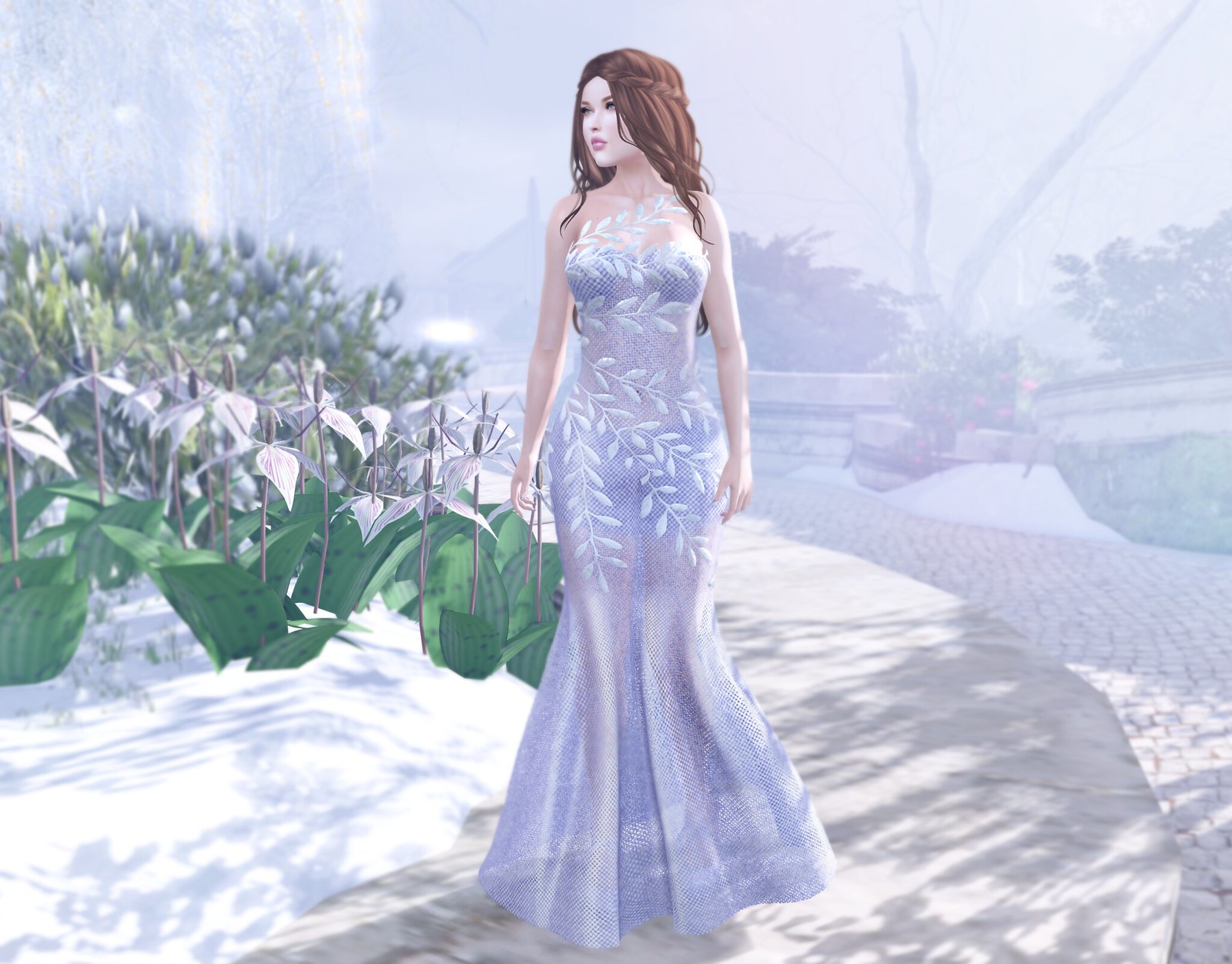
I’m ready to waltz around the garden in this gorgeous Blush Dress from ANE. The dress features a sheer and classic version, and a HUD to change the colors of the dress and leaves. I’m wearing the sheer version in a soft lilac color, with silver leaves. The sheer version of this dress has tiny mesh holes, it’s not just a sheer texture. The dress also shimmers in different lighting cos of materials. I rarely ever notice materials, but it’s pretty breathtaking when it’s done right.
I changed my skin again! I’m wearing the new Judith skin from Glam Affair. I’m glad to have a few new skins to add to my skins rotation.
Have you joined SL Bloggerati yet? It’s not just for bloggers!
What did you buy during last week’s 50L Friday? I got the cutest Knit Earmuffs ever from Artilleri! Seven yummy colors for $50L, you can’t beat that! I paired the Yellow earmuffs with the Hunter Candace Military Coat from Hilarious. I wanted to wear Red or Green earmuffs but then it would be too Christmas-y for right now.
This Candace Military Coat is cute! I like coats that are babydoll-shaped, they’re so easy to wear.
When it comes to music events in VRChat, its hardcore partygoers are happy as long as there’s good music and positive vibes. With only a few optimization hiccups, Slyfest provided such a space this weekend, with a 3-day roster and slick social presence to boot.
Slyfest is a virtual festival aimed at bringing IRL and virtual djs together. It isn’t the first venue to do this, but the ease of real djs announcing they were playing at an event in VRChat was impressive. Loner Online, a well-established dance scene with its own heavy social media presence, is one of the only other venues which does this regularly. The club paired itself with Slyfest for the event, so it’s no wonder this was observed again. Real-life djs also sometimes announce spinning at other weekly virtual clubs, but the crossover isn’t that frequent.
Slyfest’s map design felt top-notch:
Usually in a virtual club like this, you would peer out the window and find a background shader put up to cover the vista, with the exception of places like DDVR and Loner.
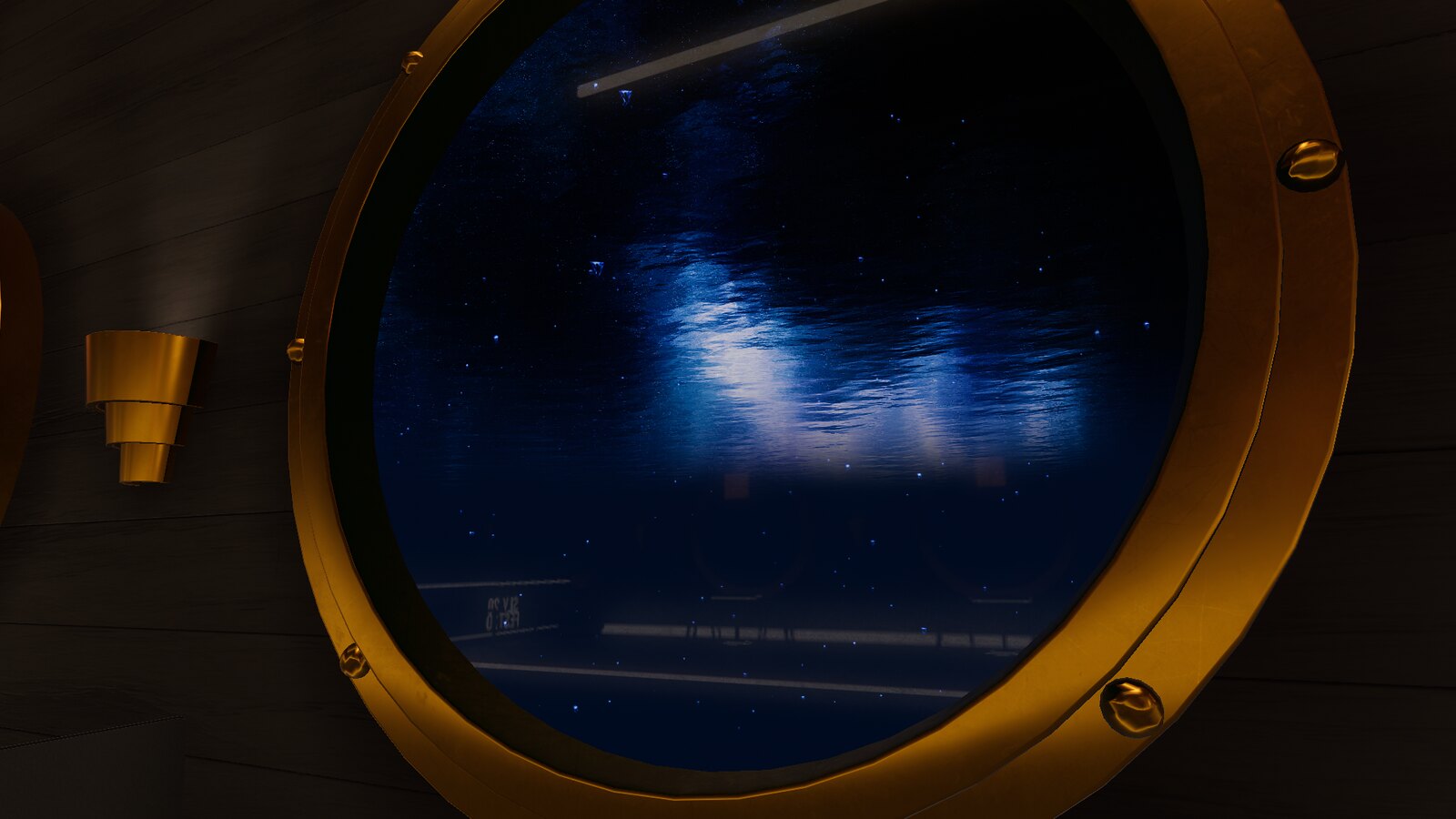
Slyfest’s vista is a gently rolling sea with jellyfish floating slowly towards the surface. It’s beautiful.
There was the expectation that the main floor would be different from TheSlyThief’s tribute map to Porter Robinson’s Secret Sky Festival. The same round dance floor was found again in Slyfest, with two whales from the previous map swimming around at the top. None of this was a paid experience, so there’s not a lot of room here to complain. I probably would’ve kept the same tech but changed the shape of the floor, though, to make it a bit different.
The normals on the map were beautiful, and everything was optimized pretty well when the festival wasn’t at capacity (to provide ease with lower end computers, I would have a button to disable video on surfaces except for the main video screen next time). No one can complain at how luxurious the map’s textures were. This is still top of the line work.
Both Slyfest and Virtual Bass should be showcased as the kind of quality VRChat is capable of with digital events, along with Ghost Club.
The real star of the show with Slyfest was the energy. When there were technical issues, people stayed in the Twitch chat and played word games or provided encouragement while the staff figured out the problem. Every festival day was completed with a group photo and shared around with thank-yous. Pregaming, as with other EDM festivals in the game, became its own event. I even wound up at a small apartment with a group of streamers to pass the time until the day 1 festivities kicked off. These events aren’t built-in to virtual festivals, but the way they organically happen are special.
Slyfest is still going with day 3 events. If you don’t want to log into VRChat to attend, you can click here to listen in and watch the festivities.
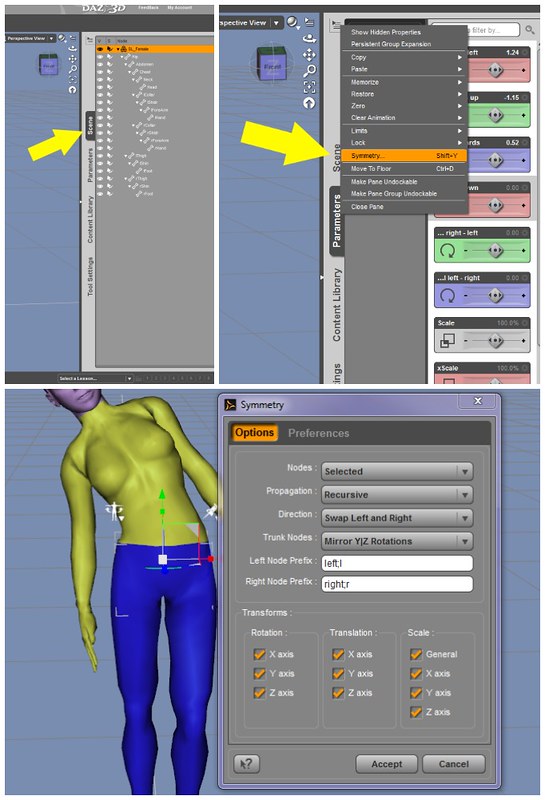
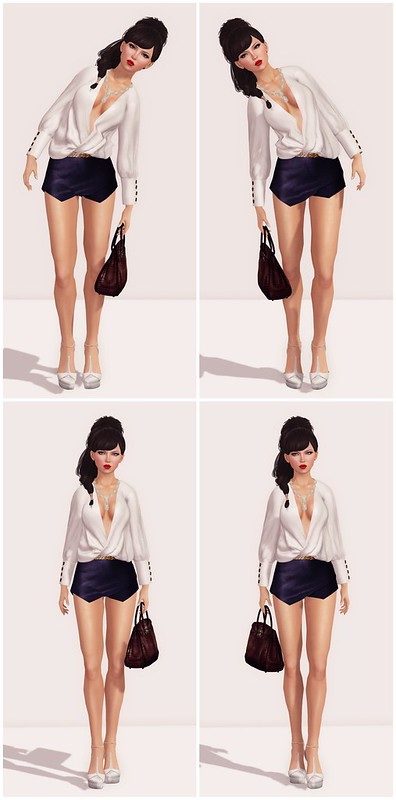
This is How to make poses in Second Life, part 2! I will show you guys a super easy way to mirror poses in DAZ Studio (version 4.6). Big thanks to Melanie, who showed me how to do this last year!
How to Mirror Poses in Daz Studio
1. Select the figure in the Scene Tab.
(You can also select the figure simply by clicking on the SL avatar in the main window. I usually click on the Pelvis to select.)
2. Click on the ‘Active Tab’ options button on the Parameters Tab. This button is in the upper right corner of the tab.
In the menu that appears, choose “Symmetry.”
In the Symmetry Dialogue Menu, choose the following settings:
Nodes: Selected
Propagation: Recursive
Direction: Swap Left and Right
Trunk Nodes: Mirror Y|Z Rotations
Left Node: left;l
Right Node: right;r
Transforms: Rotation: check x, y, z
Translation: Check x, y, z
Scale: Check all
I’m looking forward to the new Pink Fuel skin! Looks beautiful! I’m also loving the pants from LeLutka. It’s great to see a looser style for pants while not being super baggy.







I have to go there tonight, I’m always collecting LMs from beautiful places!
I’m looking forward to the new Pink Fuel skin! Looks beautiful! I’m also loving the pants from LeLutka. It’s great to see a looser style for pants while not being super baggy.