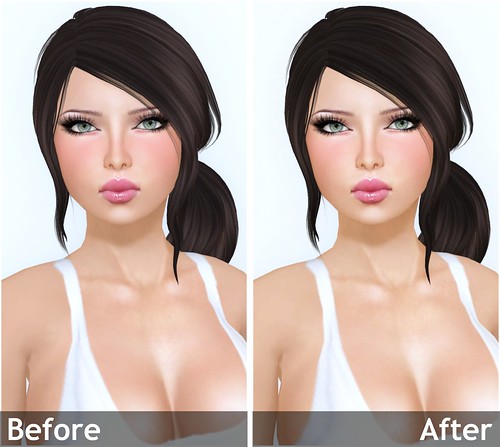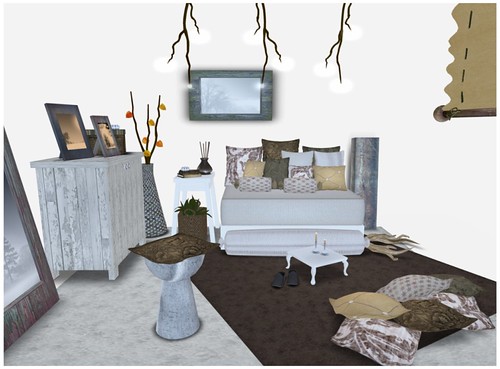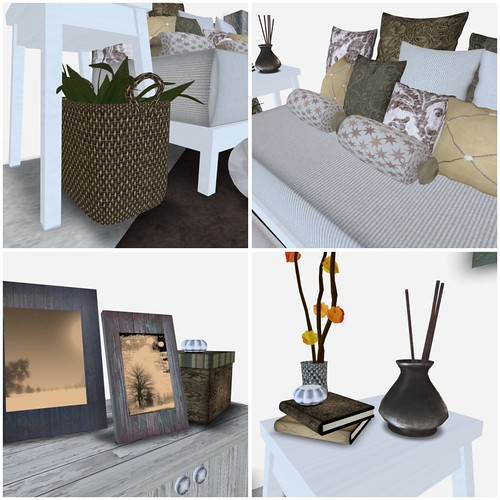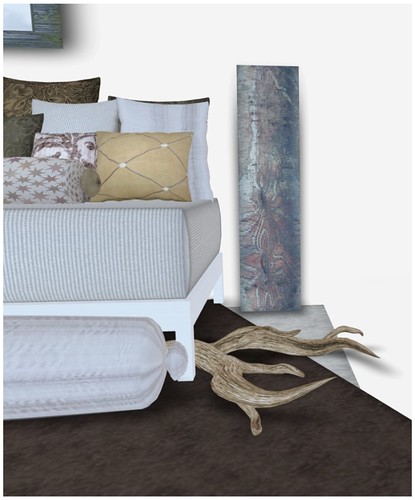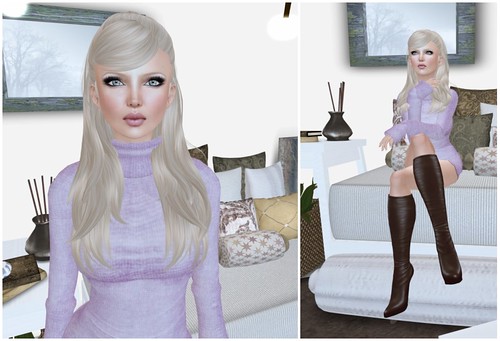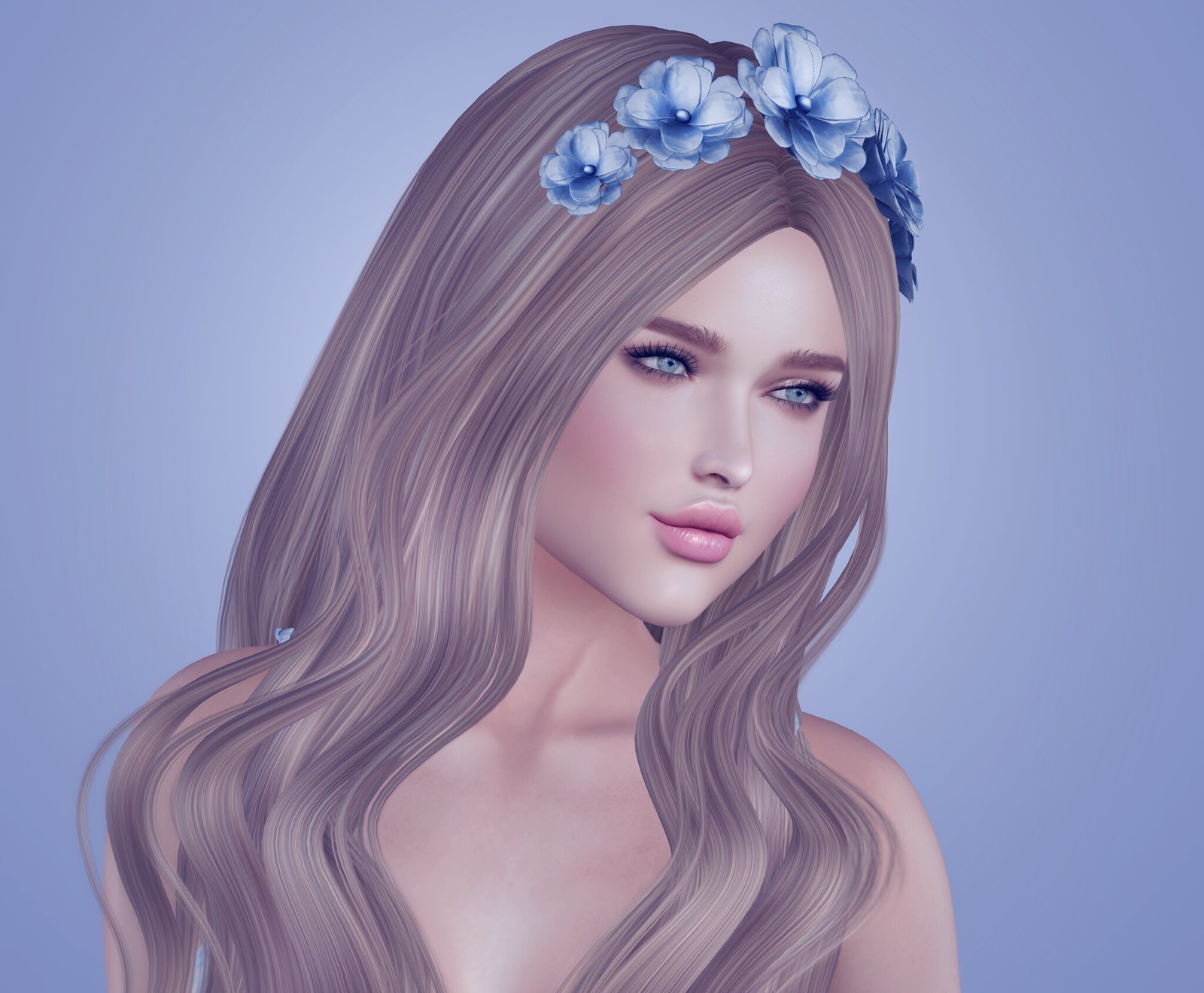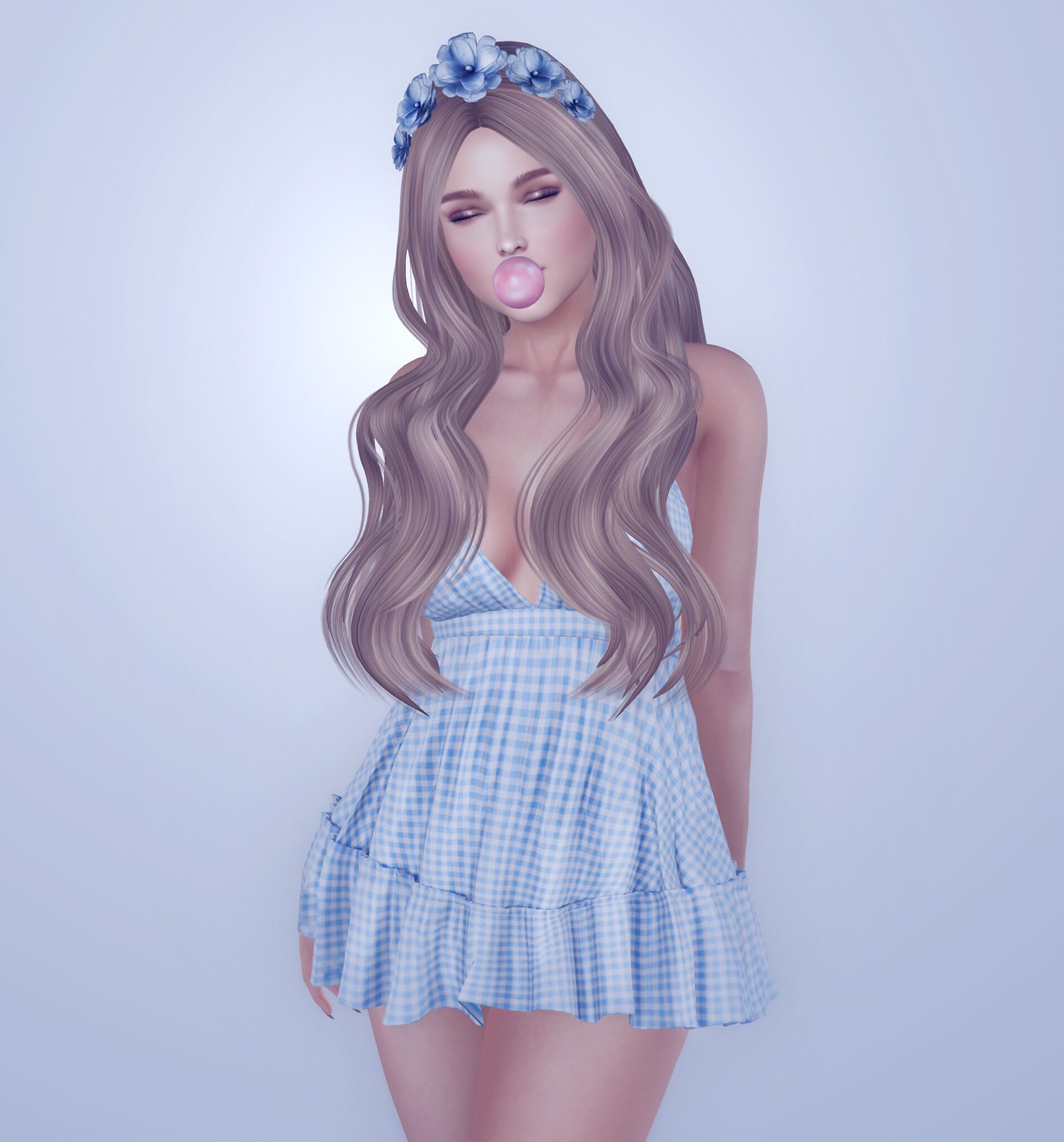
My goal when I blog products here is to present them as honestly as possible, so I was more than happy to show Hamlet screenshots of my SL!
I’ve been saying for years that rarely ever Photoshop images for this blog. Long time readers can usually tell if a filter has been applied (I do love playing around with Picnik), but most of my pictures are straight from SL with just cropping applied. Check out the full article on NWN and also see my PC specs, if you’re interested!
EDIT 8/25/2019: So my friends are telling me that EEP is not released on the main SL Viewer. I am using this SL viewer (6.4.0.530150 – EEP), which I thought is the latest official SL Viewer, since that’s all I have ever used. If it is not, maybe an error prompted me to upgrade? Perhaps it is a sign of it being live on the grid in the very near future. I have no idea how to downgrade, so I guess I may be the only person on the grid using EEP, while everyone else is using Windlight.
If you use the latest official SL Viewer like I do, you may have noticed that Windlight is history. Say hello to Environmental Enhancement Project or EEP for short. Here’s everything that you need to know about EEP from the SL Wiki.
To get started, you can import some of your favorite Windlights, SL will convert it to EPP objects automatically. You will then be able to apply these Environments objects in-world, like you did for Windlight. EEP objects are shareable, which is my favorite feature cos you can easily share with friends and make sure that everyone is seeing SL the same way.
When I imported some of my favorite Windlight settings, I found that they don’t look quite the same. I decided to only import a dozen or so, and just start fresh by making new ones for blogging. If you want to try some EEP settings, you can grab them from the Library in your inventory. I have also made some JuicyBomb EEP, available on Marketplace!
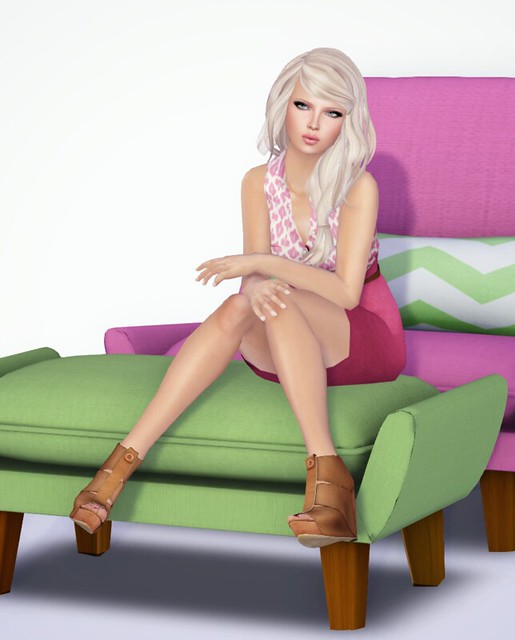
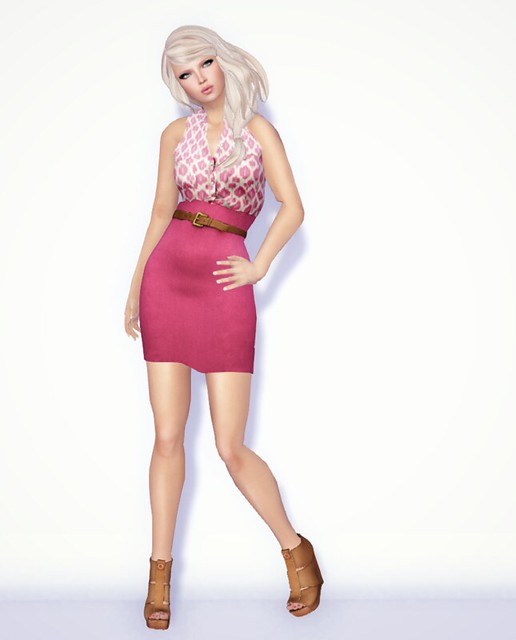
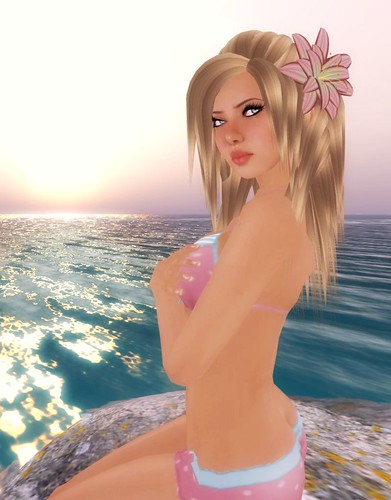
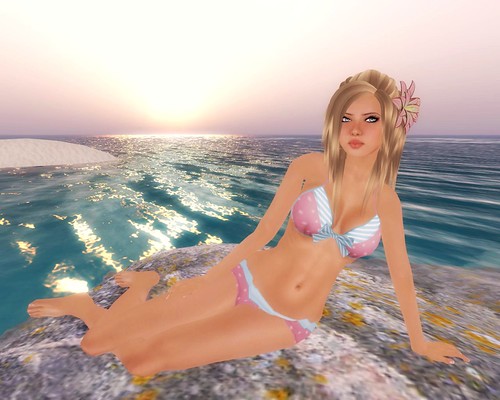
SugarCube is baaack! My friend Helix insisted that I go check out the new stuff, and I'm really glad that I went because the textures are GORGEOUS! And no, you can never have too many babydoll dresses, k? I'm wearing the Beadily dress which is perfect for a night out, and the ruckle summer dress, perfect for… Summer! Love the pink & blue combination.
These two outfits are FREE at SugarCube, I don't know for how long, so pick them up while they're still available!
Back in April, I became a Premium member for the first time in my 12 years in SL. I landed on a charming little waterfront home and decided to keep it. I knew my luck would not be better if I kept re-rolling for new homes.
Here we are, 3 months later, and so much has changed with how Linden Lab launches new sims. Instead of launching hundreds of sims at once, like they did initially, now only one or two sims are launched every Monday, Wednesday, and Friday. At this rate, eventually everyone who wants a home would get a home, but not at a rate that’s fast enough to satisfy them. As you can see by this vent thread on the forum, they are more than a little upset. In fact, if you read the entire Linden Homes forum, it’s so overwhelmingly NEGATIVE.
The Magic of Oz sim is finally opened to the public today!! Go hunt for red and silver slippers for exclusive freebies from all the shops there. I made a Chunky Red Magnolia Bracelet! It’ll match Dorothy’s red slippers, yay! <3
Tp to Magic of Oz, the hunt starts at 9am SLT! RIGHT NOW!
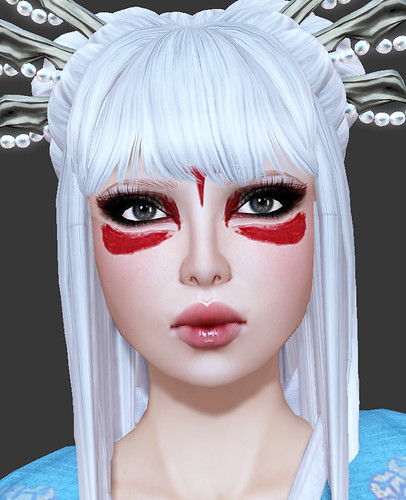
Chaisuki has just released the 'Nova' skins. The makeups on these are gorgeous and has a great tropical punch to it, perfect for makeup lovers! I'm wearing the Chaisuki Nova skins in Light skin tone for this entry. I just love how perfectly the eyeshadows matches Shine's Lustrious eyes. YUUUUUUM! So realistic.
I love that you don’t over process your pics, when I see something I want, I know thats what I will get in the store when I go shop. what windlight setting do you use? Your images are never too bright like some are on other blogs.
when it comes to fashion & hair reviews i prefer the simple shots with no overprocessing to the artistic ones, which i can definitely appreciate on a creative level. but if i want to get a dress, or shoes, etc. i want to see them look like they are going to in second life. so thank you for that.
i still don’t change my light settings (after years.. !), although i downloaded the phoenix preset ones and am kinda sorta coming around to having lighting around me that is uniform and not so shadowy. i do miss daytime/nightime though.
I wish I could get shadows to work on my computer! Whenever I want to blog something I have to create my own shadows and such – maybe I will invest in a new graphics card and save myself some work, LOL.
I am just getting into reading SL fashion blogs and I really LOVE yours! Can you tell me where you got your eyelashes? I’m sure you had to do a lot of editing but I just love how detailed and perfect they are? I look forward to continuing to follow your blog! Good luck!!
Gogo, I’m currently re-reading this post because it made me smile the other day. You have such a distinctive, airy, shimmery, clean (AHHH ADJECTIVES) style with your photos, and I appreciate what you can do close to raw. I’m a big believer in advocating for SL’s “as you see it” visuals to continue approaching what inspires us elsewhere, whether that’s post-processing of sorts or real-world phenomena like shadows.
I love your blog, I read many, but I would have to say that yours is my favorite. You always keep me up to date, and I always trust your pictures. With this said.. I use Phoenix, but I downloaded the Starlight Skins for sl because, where I make skins I would love to be able to show the natural beauty like you do in your pictures. Can the Starlight skins be used with Phoenix or Firestorm? And If so.. how do you get them on there. <3 Thanks so much!
Promise
I love that you don’t over process your pics, when I see something I want, I know thats what I will get in the store when I go shop. what windlight setting do you use? Your images are never too bright like some are on other blogs.
when it comes to fashion & hair reviews i prefer the simple shots with no overprocessing to the artistic ones, which i can definitely appreciate on a creative level. but if i want to get a dress, or shoes, etc. i want to see them look like they are going to in second life. so thank you for that.
i still don’t change my light settings (after years.. !), although i downloaded the phoenix preset ones and am kinda sorta coming around to having lighting around me that is uniform and not so shadowy. i do miss daytime/nightime though.
I wish I could get shadows to work on my computer! Whenever I want to blog something I have to create my own shadows and such – maybe I will invest in a new graphics card and save myself some work, LOL.
xo Alina
I am just getting into reading SL fashion blogs and I really LOVE yours! Can you tell me where you got your eyelashes? I’m sure you had to do a lot of editing but I just love how detailed and perfect they are? I look forward to continuing to follow your blog! Good luck!!
LOL… just found your lashes blog. That’ll work! 🙂
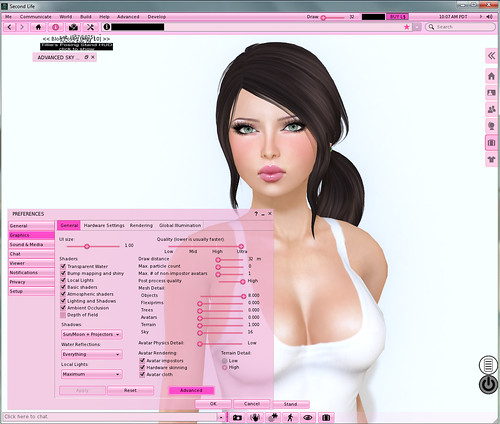
How did u turned ur SL skin in pink?
http://wiki.secondlife.com/wiki/Viewer_Skins/Starlight Install Starlight Skins for SL
Gogo, I’m currently re-reading this post because it made me smile the other day. You have such a distinctive, airy, shimmery, clean (AHHH ADJECTIVES) style with your photos, and I appreciate what you can do close to raw. I’m a big believer in advocating for SL’s “as you see it” visuals to continue approaching what inspires us elsewhere, whether that’s post-processing of sorts or real-world phenomena like shadows.
Keep on rockin’ tha camera.
I love your blog, I read many, but I would have to say that yours is my favorite. You always keep me up to date, and I always trust your pictures. With this said.. I use Phoenix, but I downloaded the Starlight Skins for sl because, where I make skins I would love to be able to show the natural beauty like you do in your pictures. Can the Starlight skins be used with Phoenix or Firestorm? And If so.. how do you get them on there. <3 Thanks so much!
Promise