While the SL client does not have built-in emotions for our avatars to express themselves, there are free Emoters available in-world with over a dozen facial expressions. I rarely ever use it, but I find myself wanting to, every time I see screen captures from The Sims!!
The reason I think that most people don’t use Emoters is because it makes our avatars look more creepy than cute! And if you’re a prim-lash-wearing-addict like myself, the prim lashes stay in place and appears to be floating away from your avatar’s face rather than move along with the eyelids. Currently there’s no way to force prim lashes to move, but for photography you can edit them to fit each emotion and fake a perfect fit. 😛
I’m not a Photoshop genius, so I try to set up the shot as close to what I want as possible in-world.
1. Press CTRL+ALT+SHIFT+D, to bring up the Advanced client menu
2. Go to Advanced -> Character -> Slow Motion Animations and click to enable it
(Slow Motion Animations is a feature that slows down animations on your client only, so others will not see this but it is useful when trying to capture dances, emotes, poses, etc.)
*note: Don’t forget to uncheck Slow Motion Animations once you’re done using it, otherwise animations will look too slow on your client.)
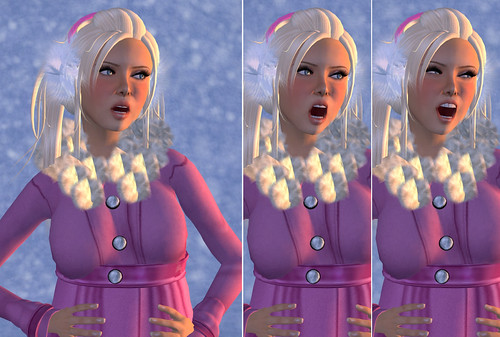
3. Play with the random expressions on the Emoter and snap away!!
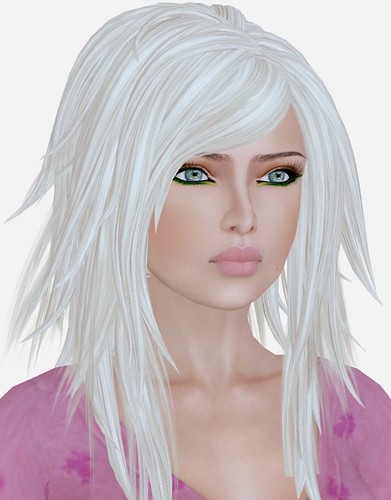
For the photograph above, I used a combination of "Mouth Open" and "Big Smile" to create a totally new facial expression! I haven’t experimented with all the expressions to see what "new" emotions I can create, but Slow Motion Animations is a great feature and lots of fun when combined with an Emoter HUD.

Happy…
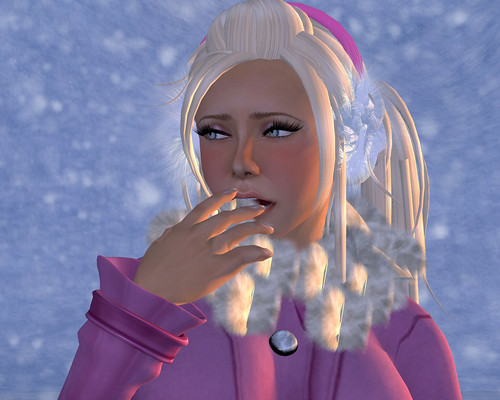
Unhappy….
Where to get an Emoter HUD? I use the one that came with my MystiTool, but they’re free everywhere!! Ask someone you know, they might be able to pass you a copy. 😛
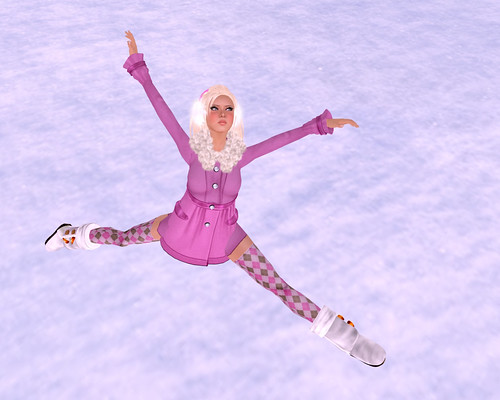
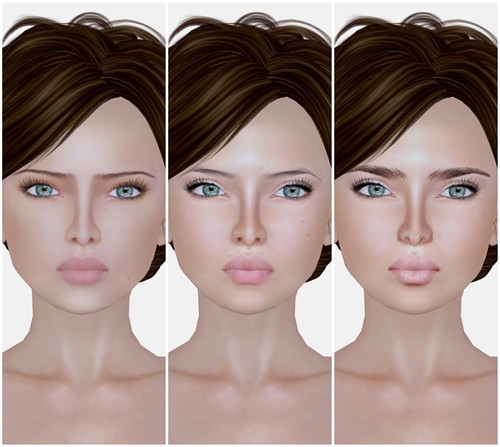
For this blog entry, I’ve tried to use lighting that has more shadows because the images are captured with scenery, rather than my usual prim background. Do you prefer photographs that are typical blog-style (see my Lighting Tutorial) or with more depth? I’ve been criticized for taking ‘flat’ photos because I eliminate all shadows when I blog items… so I’m really trying to experiment with other lighting!
A typical Gogo-style blog photo:
With Shadows:
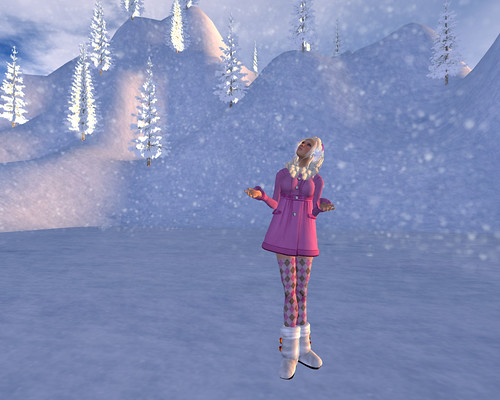
I agree the 2nd photo makes SL look way better, because SL is beautiful!!!! <3 Windlight. But when I’m blogging skins I prefer well-lit images with no shadows.
What I’m Wearing:
AOHARU – SweetDressCoat (Pink)
AOHARU – MultiColoredMoutonBoots (White)
AOHARU – ArgyleSocks009
ETD – Brittany hair
GBL / *BOOM* – Muffuns
Gala – Classic – Blossom Skin
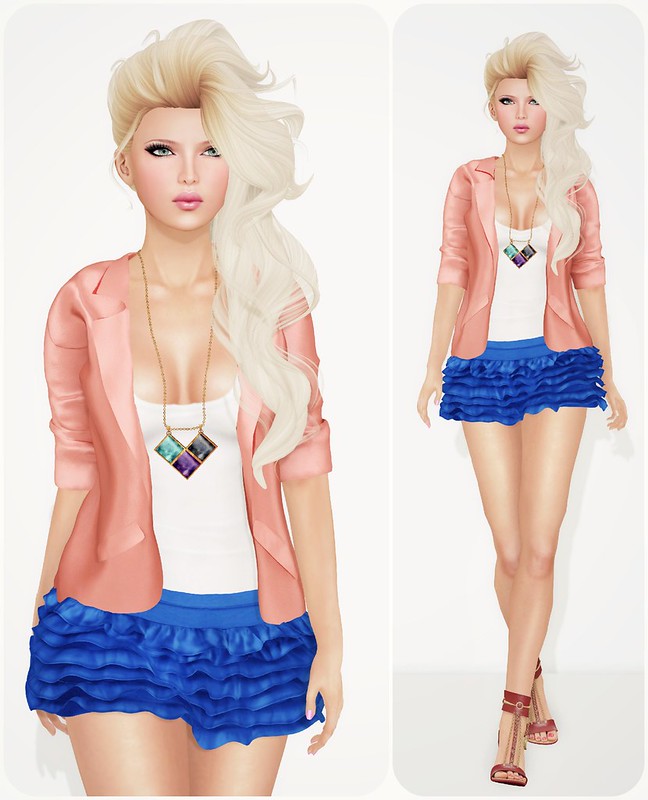
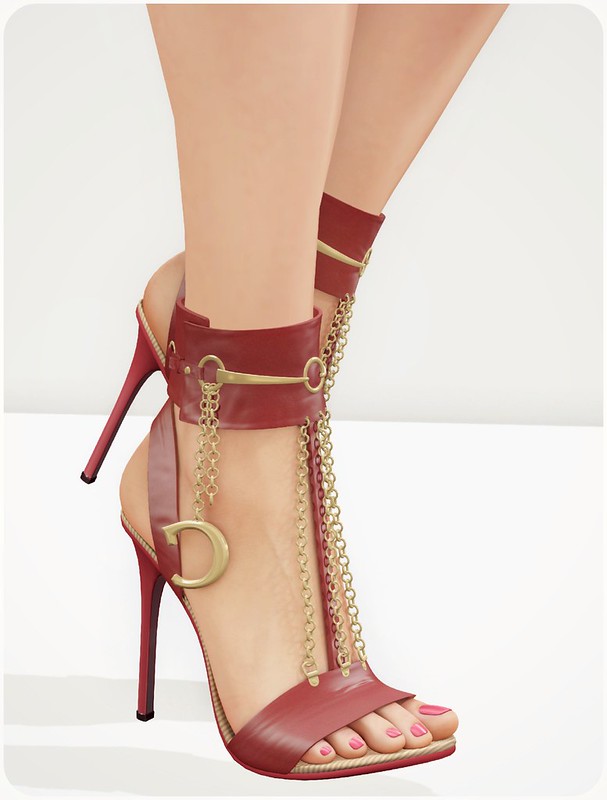

Woooow! I so gonna try and get those next. Specially the shoes, thanks for taking a shot on those!!
Oh and running around SL to let the outfit be seen sounds like what I do all the time hahaha. Love to show off around.
You will need to make some kind of weekly event to do so!! 😀
Those shoes are amazingly smexy!!!!!!!!!!!
You always look beautiful. I am getting the sandals and hair when I log in
i love this look so much. you look beautiful, gogo!
i know what you mean about getting all dressed up, and having “nowhere to go”. sometimes i go to an inworld store to demo hairs with a cute outfit, hoping someone might notice and at least think to themselves, oh that’s p cute.
You look fabulous! I’m kinda sad cos Celoe make such lovely shoes but I’m really terrible at skin tinting so I don’t buy them =( I stick to GOS with their easy matching huds, and will also move to SLink as soon as Mochi releases the appliers!!! But the shoes are gorgeous, as I said the issue that stops me is skin matching.
ugh…I scoured the inworld store and marketplace, and can’t find that necklace “anywhere” 🙁
I too have searched all over for the jacket and the necklace. The necklace is nowhere to be found in the store, and the there isn’t even a store to find the jacket in. Disappointing. 🙁
Try contacting the designers