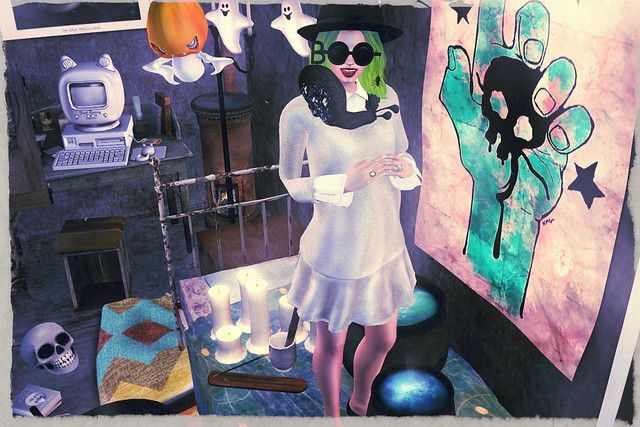
So some grid artists and I got together on the Art Co-op sim’s hostel area and began to build a really cool encampment. Anyone can stop by and plop down their addition; mine was this basic shipping container, which I challenged myself to fill appropriately.
How do you like the interior? Since it’s October, I decorated it like a mini-coven area, complete with these cauldrons I picked up from A.D.D. Andel at We <3 Roleplay. I LOVE these! You can change the color of the liquid so it suits whatever you’re doing. It also comes with various options, like cauldrons with steam/without steam, with/without a stirring stick, etc.
I also got this adorable free ghostie from Ohmai, and had to rez it for this picture! It’s a thank-you gift from the store’s owner, Anya Ohmai, for people tuning in to her Twitch stream to learn about 3d modeling. The turnout for classes have been great. It’s awesome to see so many people in Second Life wanting to expand their creative skillsets.
Is it just me, or does everyone think that if we all set out to make a video game and put it on Steam, it would be utterly kickass and feature a ton of female game content creators? We have a lot of women in Second Life who create amazing mesh products every day. Outside of here, the amount of female game creators isn’t so high. If we held a game jam in SL, how awesome would it be to see programmers and artists coming together to make a game? Then you can put the game on Steam or Itch.io and make some money!
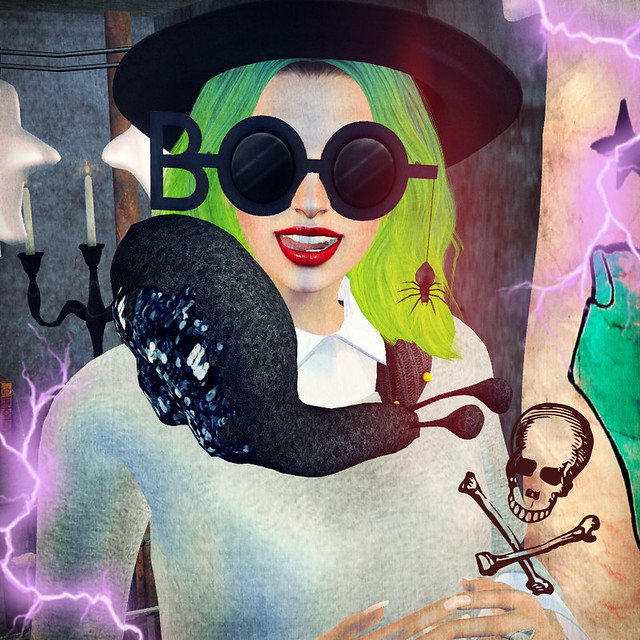
Shoutout to one of my friends who hates spiders. Look at my glasses! Hehehe. <3
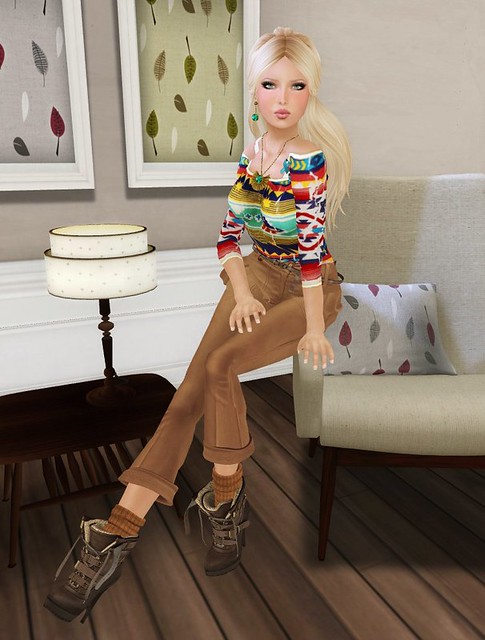
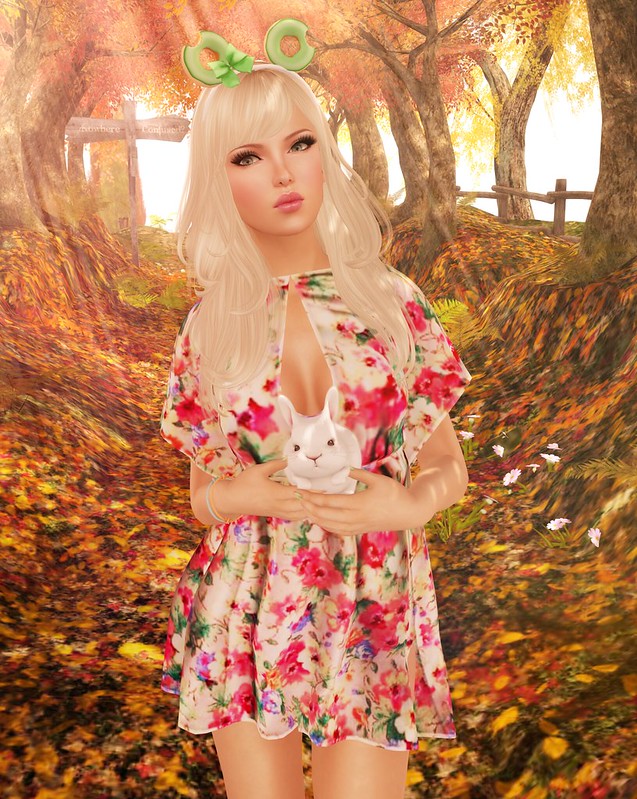
What I’m Wearing
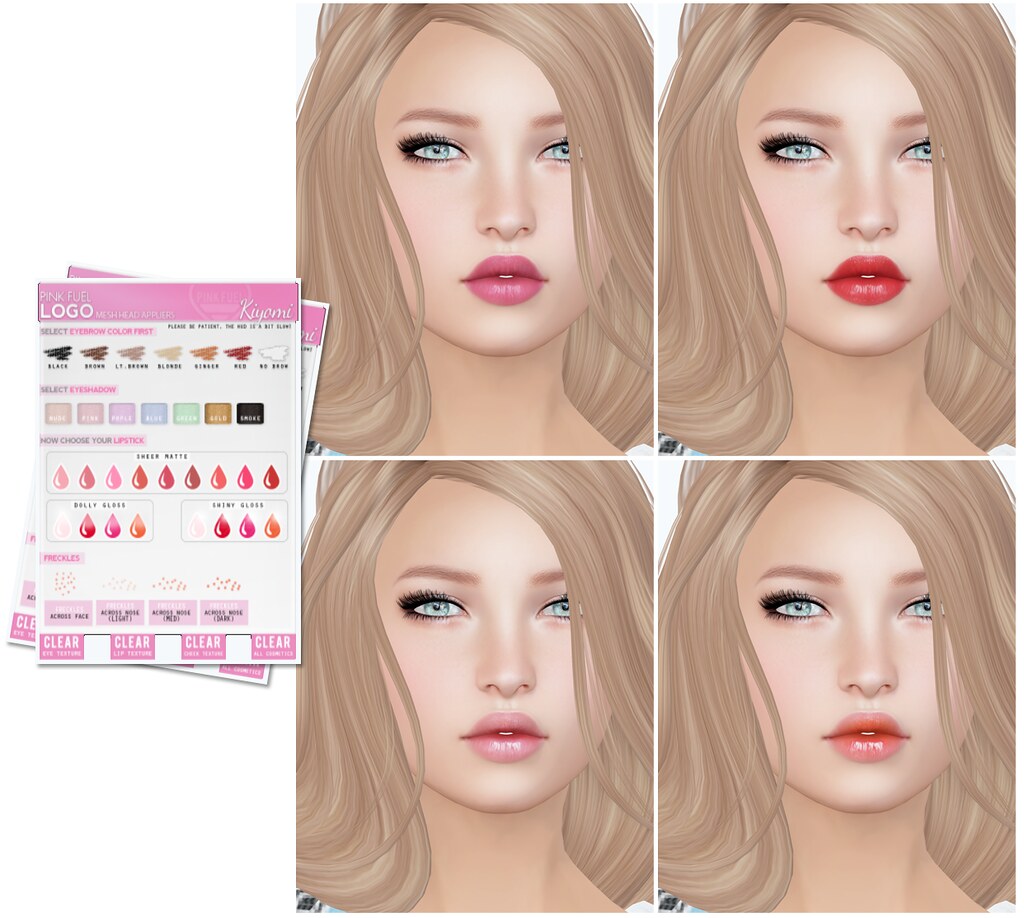
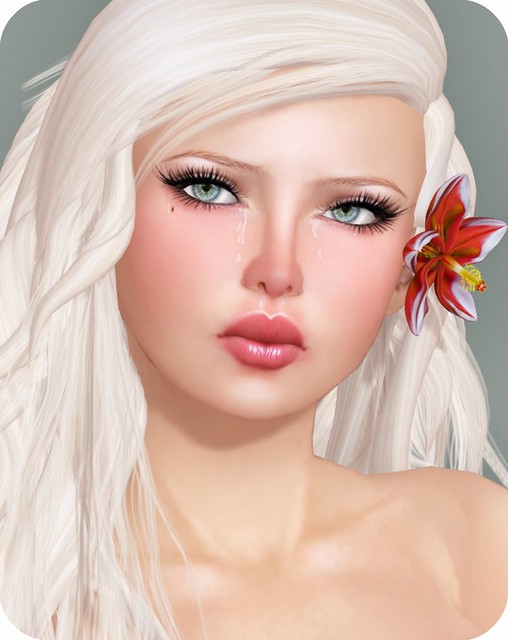
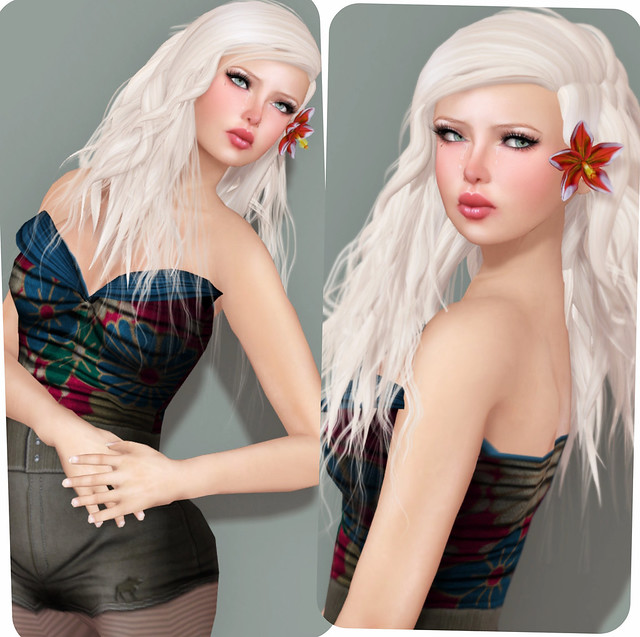
Pink Fuel Skin
Logo Alex Mesh Head
Hair: Chemistry – Taylor
Dress: COCO – Shirt Dress (Group Gift)
Le Primitif – Grandpa’s Favorite Hat
Nylon Outfitters – Cat Ring (Porcelain)
Kibitz – Clitch ring (Peridot)
Nuville – BOO Sunglasses
LVLE – Pointed Flats
Miamai – Snail Scarf
Pose – Bang @ We <3 Roleplay
Song: Hannah Diamond – Pink And Blue





This is pretty amazing, closest I’ve seen yet.
This is so gorgeous. I’m just wondering though how you got your lips so small? I have the Alex V3 with the Kiyomi applier, but my lips are still very wide and even with the applier it looks nothing close to your pictures. I’m a bit confused, I guess!
What I do is use the lips with parted mouth, to get that smaller look. The lips on Alex are wider than I would prefer too, but hopefully a future update will include some new expressions with smaller lips. Mix and match your eyes/lips to achieve different expressions!
Ah! I figured it out. I didn’t realize that you could control the lips and the eyes separately. Much better!
Hopefully an update in the future will allow us to adjust the heads much like we can adjust the mesh bodies. That would be a dream come true.
Thanks for the tips!
Hmm I have bought the Alex Head and the PF applier, but the PF applier won’t apply anything on my head. I have tried several times to restart Firestorm, clear cache. Changed locations.. I know the HUD says it can be a bit slow but I don’t think it’s supposed to take like 30 minutes right?xD
Are you wearing the OMEGA version? It’s usually “instant” — so 30 minutes does not sound right!
Did you get the Omega system Logo applier off the MP and are you wearing the Omega version of the head? You need both and you have to click the omega hud before you can click the optons on the PF hud.
May I ask what eyes you use? 😀
MayFly eyes