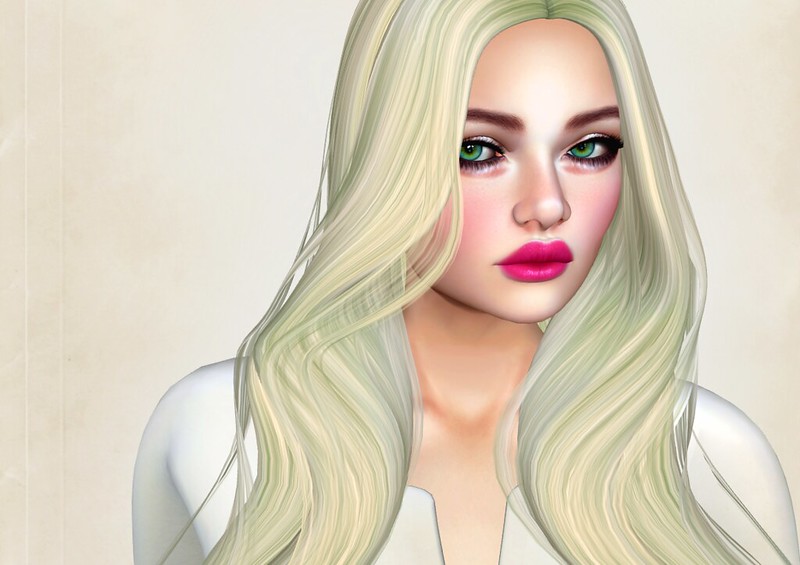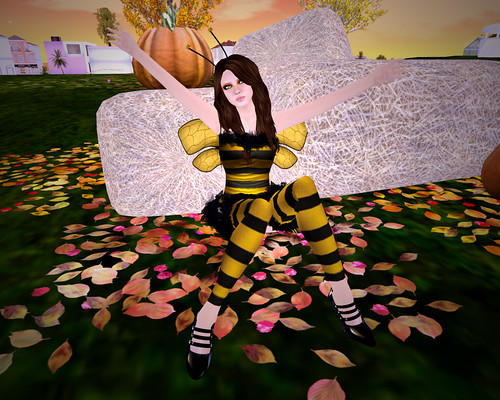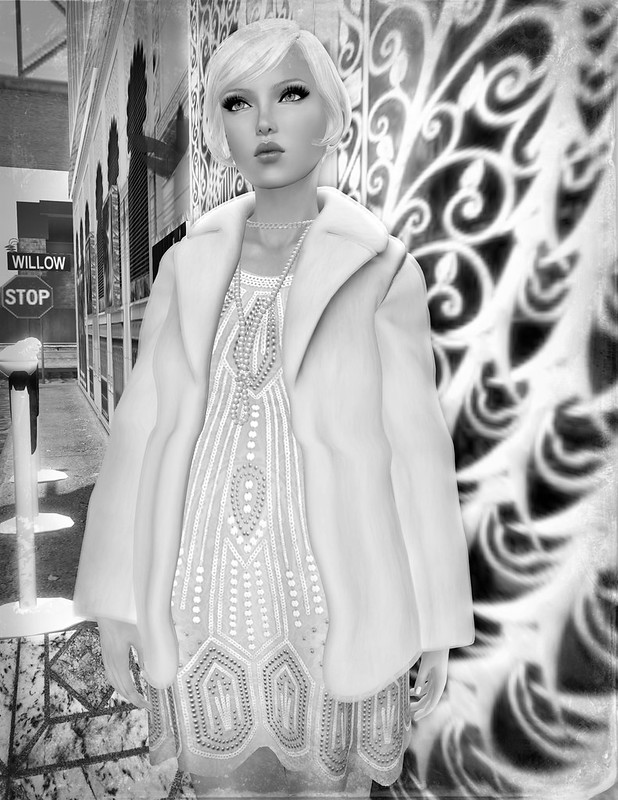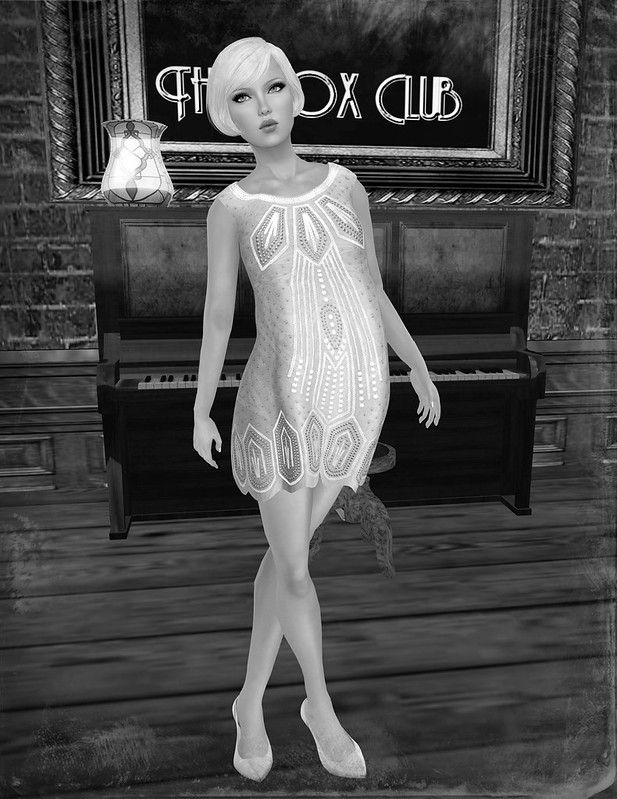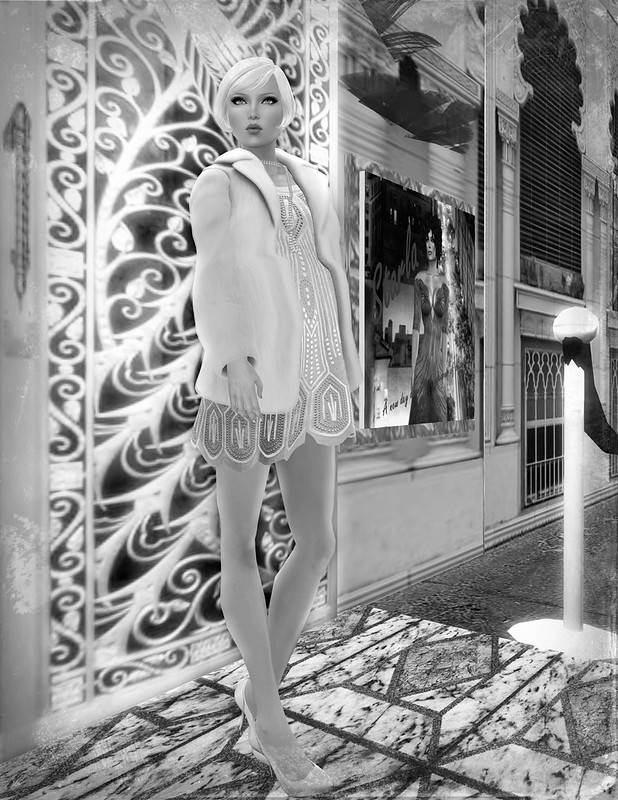
"Hi. I came across this post and thought.. WOW.. fabulous skin. So much
so that I ran to the store to check it out. I tried on the exact tone
and faces, too. They looked nothing like these pictures. I tried them
with and without facelights, different day settings. My av shape is
great, too, so it’s not that. Then I looked at your pictures again and
realized how touched up your images are, that not even your white hair
is pixelated — white hair in sl is notorious for obvious pixelated
edges. While I think it’s nice people supply shopping info for others
who may be interested, I think it is best not to worry about how your
avatar looks in your post but to give an honest rendering of the
material you are propagating to the masses — that way we, the readers,
can see what the skins and so forth actually look like to save us time.
Touched up images don’t sell others products, they waste the buyer’s
time." – SherriI
I saw this comment about my Cupcakes skin reviews on iheartsl.com and it really bothered me because I am not here to deceive people who read my blog. I don't EVER Photoshop photos on my skin reviews to fix flaws or blemishes. What you see is what you get, no post-processing whatsoever except for a simple crop (and I use picnik.com).
Here are reasons why I don't retouch images:
1. There are skin demos, what's the point of trying to fix/hide flaws?
2. I don't have time to spend fixing up images since I blog A LOT.
3. I don't care if a skin designer sells 1 skin or 1000 skins as a result of my blog entry (though I am happy for them if they get sales from being featured).
4. My aim is to show the item as-is, so people keep coming back to my blog because they have a reasonable expectation that what is seen in my photos is what the product REALLY looks like in-world.
5. I'm too lazy to PS every image to death.
There are more reasons why I don't PS, but those are the main ones.

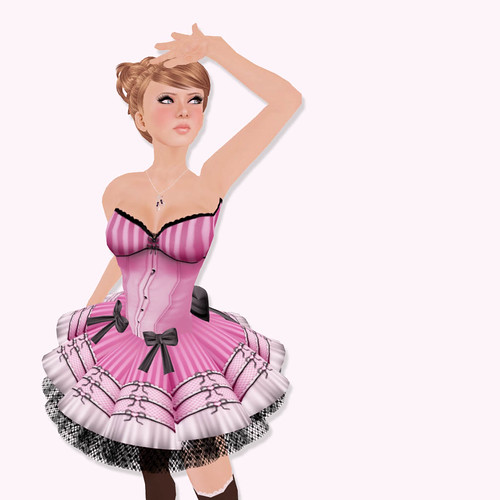
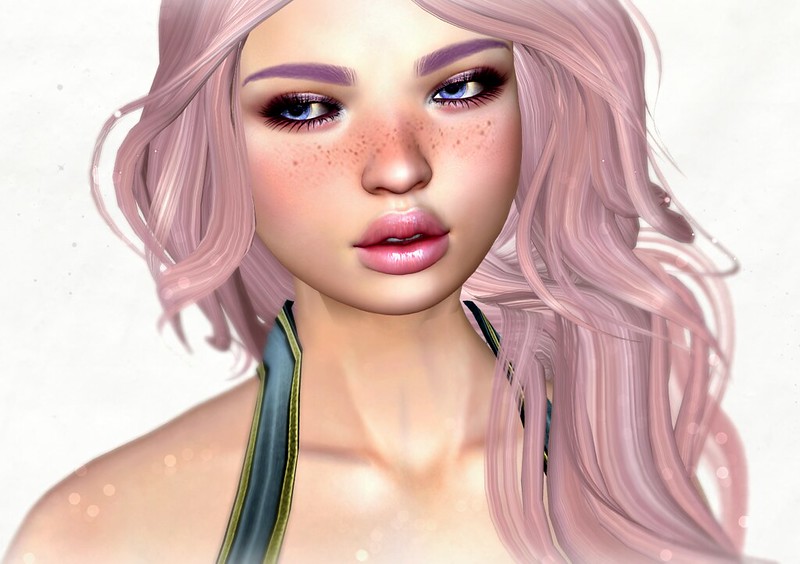
( click the image to view full size )
The image above was taken in-world with absolutely NO post-processing. The light settings are – default noon | my own personal outdoor sunlight setting | my blog photos settting. As you can see, noon is pretty craptastic compared to the blog setting, which removes most shadows & brightens up the image a lot. I don't need to PS, I can't even imagine how I could make the image "better" and I don't know how.
"Then I looked at your pictures again and realized how touched up your
images are, that not even your white hair is pixelated — white hair in
sl is notorious for obvious pixelated edges."
It sounds to me like, your graphics settings for SL needs anti-alias turned on. I can't give the info how, but you should be able to Google the answer for your specific graphics card/computer. Optimizing your graphics settings and playing with Windlight will
produce some pretty fantastic images without needing to touch-up.
"Touched up images don’t sell others products, they waste the buyer’s time."
I totally agree, this is why I keep my photos simple. If I ever edit an image, its because it's more of an artsy photo than a product review.
I hope that clears that up….

I'm wearing the Cupcakes Lovespell (Honey) Golddust skin, since I wore this skin in the original post that this comment was directed at. I've made new Windlight settings for blogging, since I no longer liked the old ones that I've used before (they were too red) ~ so the skin doesn't photograph *exactly* the same as the original post that I've linked to, but it's the same skin and no PS then OR now.
Congratulations on winning the new Lelutka Head!!!
Thank you! I love it a lot.