
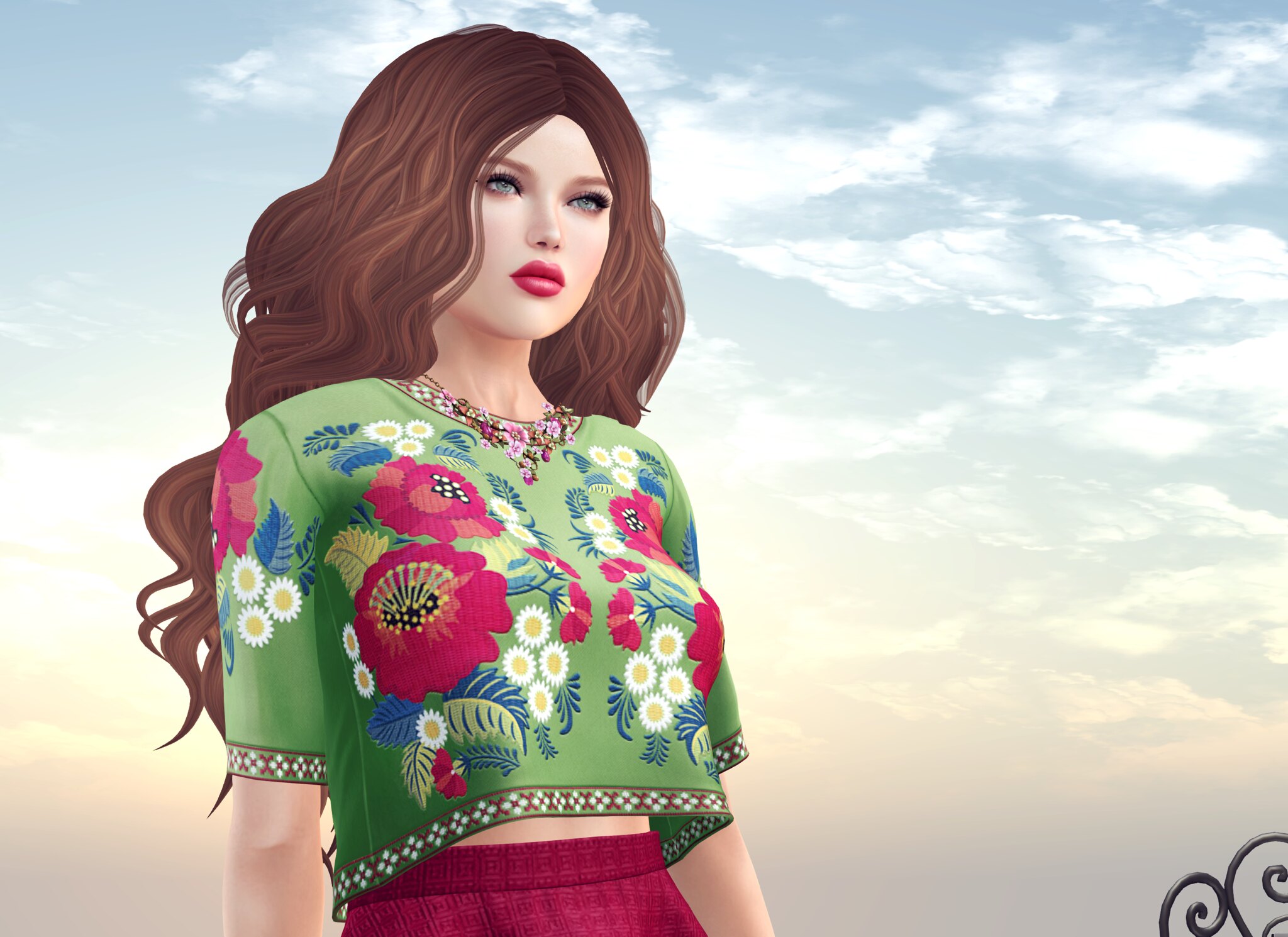
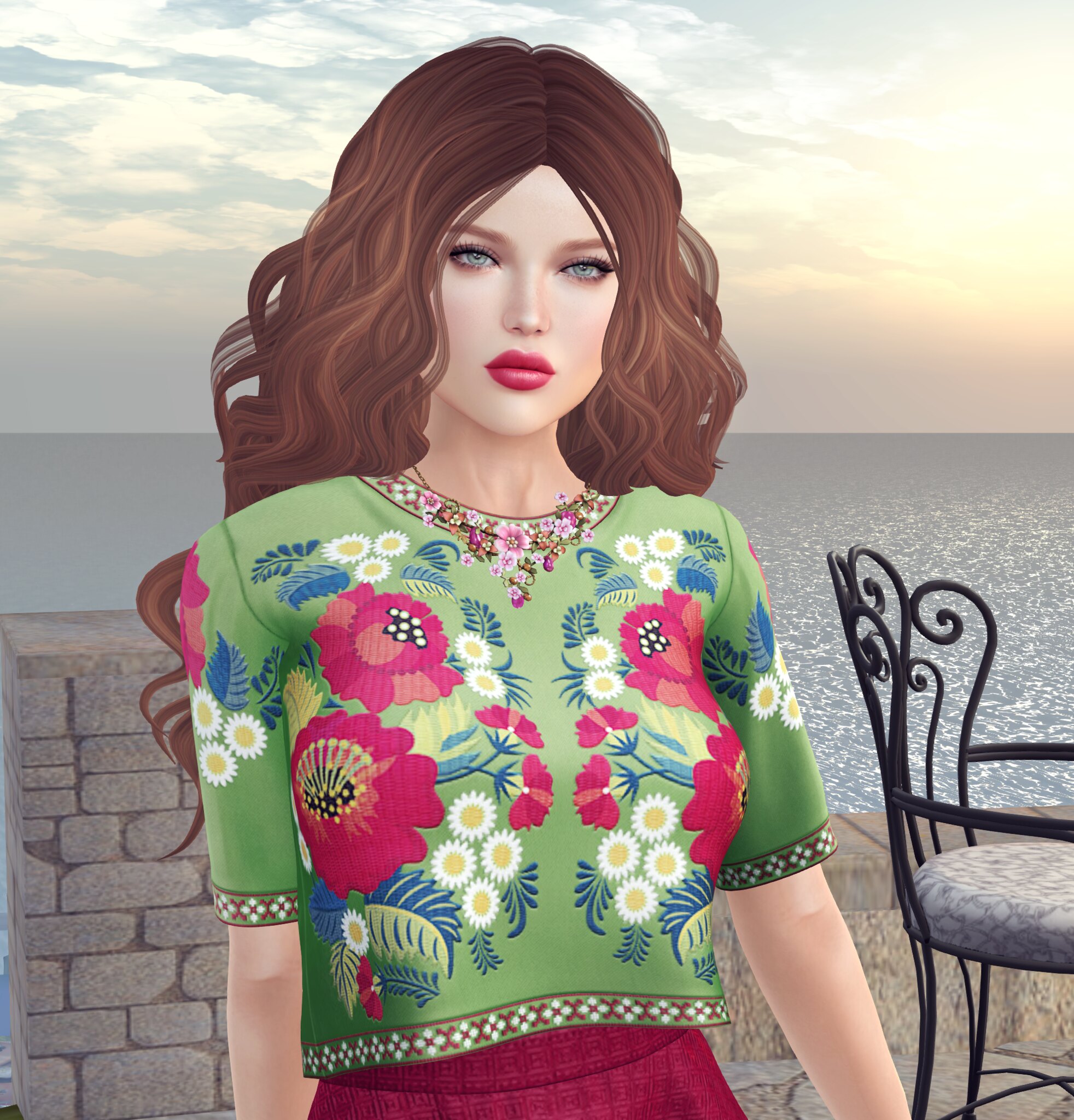
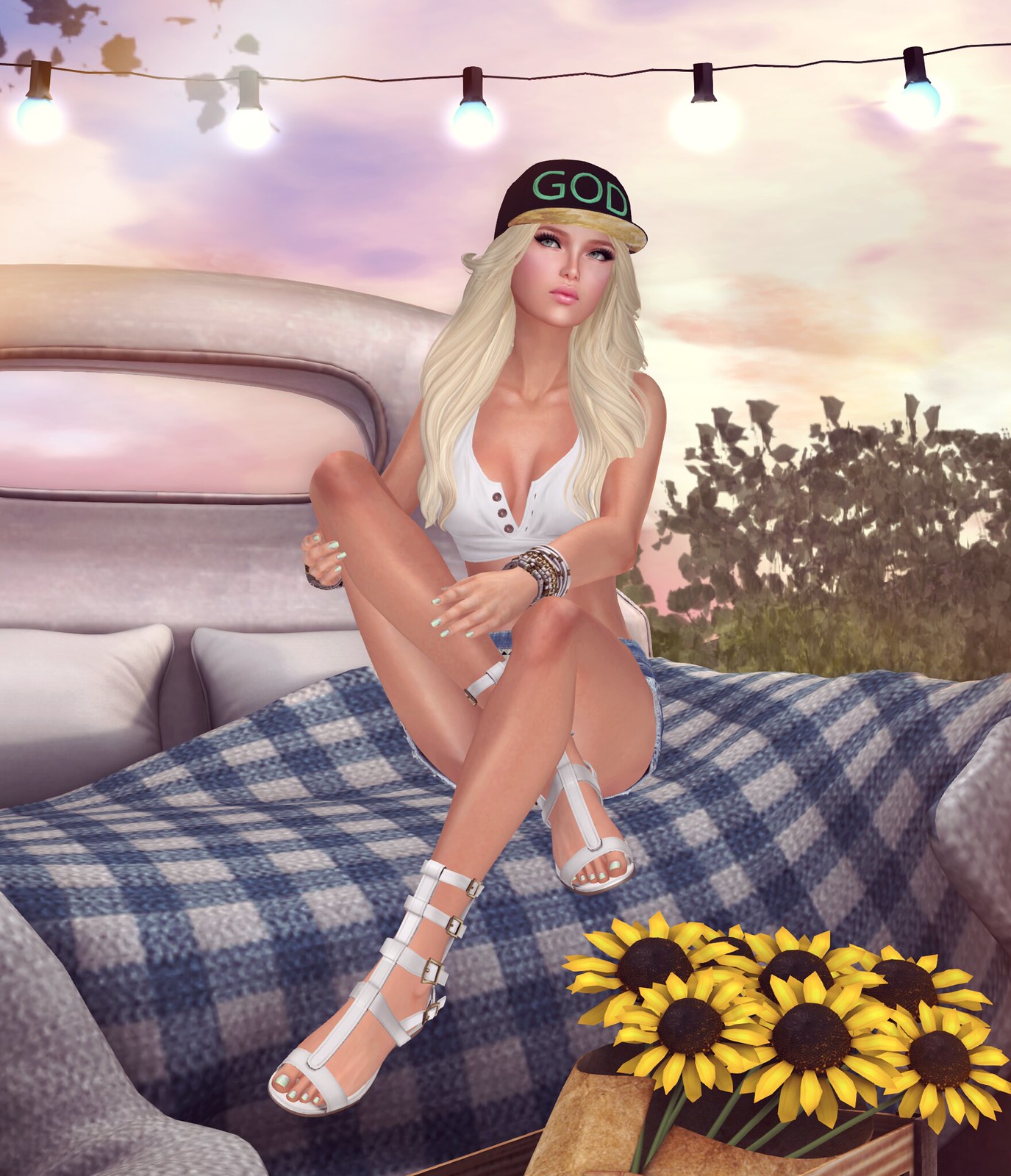
It’s the second day of Blackout August and since I’m not shopping, I decided to revisit enhancing Second Life photos with Krea.ai. Lately, vendor ads in SL are full of unrealistic hair, faces, and clothing that don’t actually exist in-world. I don’t know what tools other people are using, but out of everything I’ve tried, Krea.ai has been one of the easiest and probably the most beginner-friendly.
Like most AI tools, the free version of Krea has some limitations. You won’t get full customization or the highest quality images unless you upgrade, but I’m using the free version for this.

To enhance your SL photo, make sure you use the Enhancer tool. If you use the Image tool, it tends to change things too much and doesn’t look like your original. Once I upload my photo into the Enhancer, I can adjust the sliders on the right to tweak the AI strength, resemblance, clarity, and more. The paid version gives you more range, but the free version is still workable.
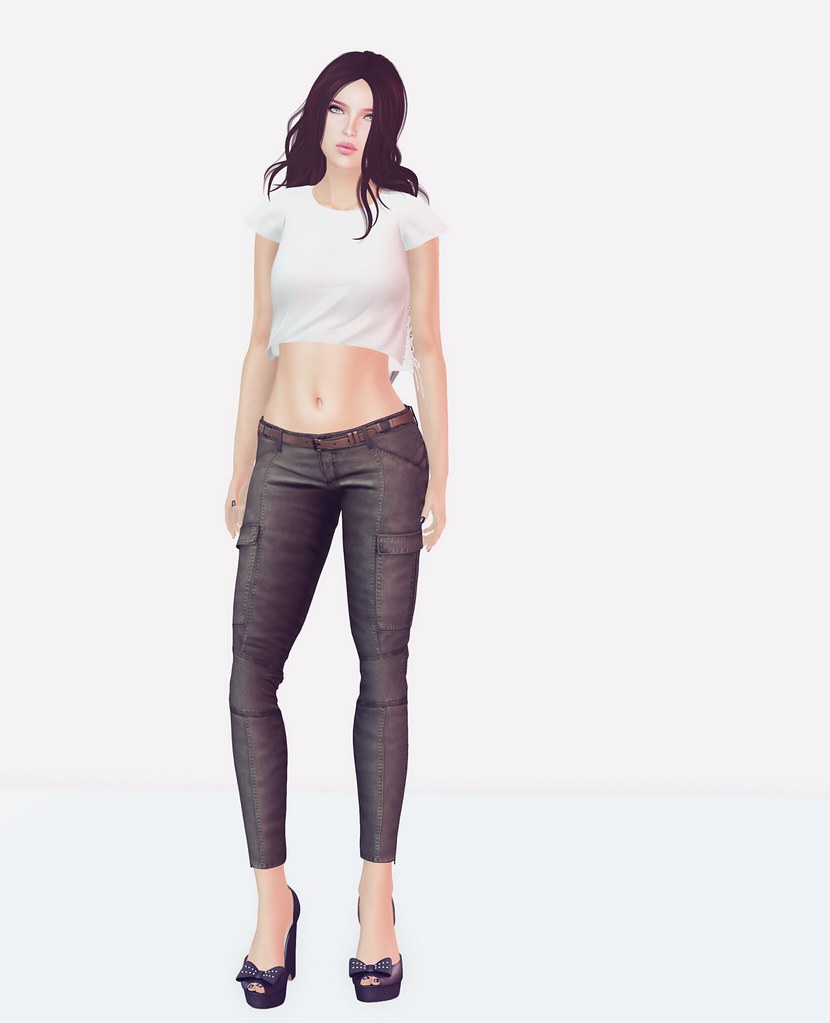
Personally, I don’t love the full Krea output on its own, so I save the enhanced image and overlay it with my original SL photo in Photoshop. Then I blend them together. Sometimes I just blend the hair, or just the face, or whatever needs a boost. My final result looks really polished and still about 80 percent true to Second Life.
One note of caution—some brands will ban you for using AI editing in your photos. I think it’s a tool like any other, but use it with intention.
Let me know in the comments if you’ve been playing with AI editing and which apps are your go-to.






https://unblurimage.ai/image-upscaler/
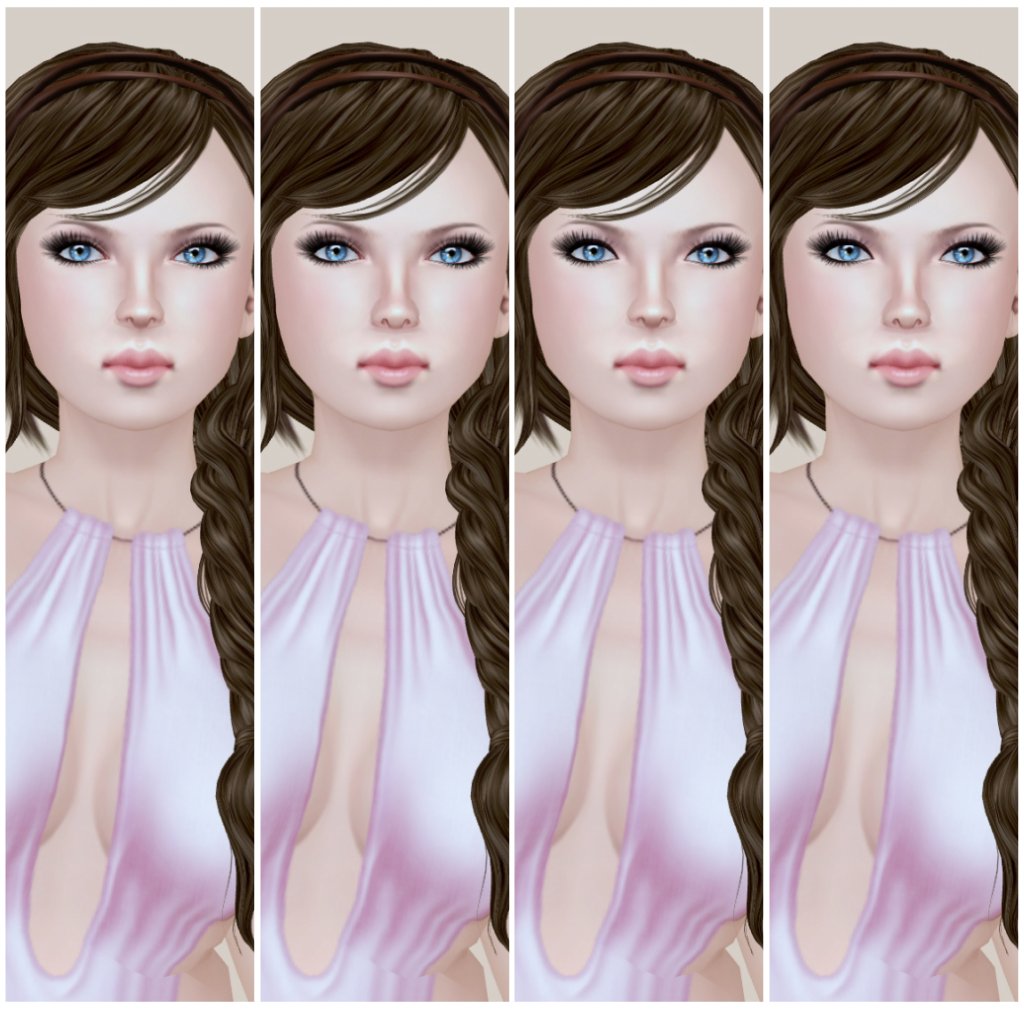
I use this all the time and it’s free and you don’t need an account. At one point it only allowed 5 images a day but I think that is no longer the case and is unlimited now.
The upscaler is great for me because I am too lazy to edit much beyond crop and brightness and my pics in SL aren’t the best quality because my laptop can only handle mid-high firestorm settings.
There are a few other tools that are offered through the same website like unblur and sharpness but upscaler does all of that.