Last year, Hamlet blogged about how to enable shadows in the SL Release Candidate viewer and I was so sad I couldn’t get my PC to do it! I waited almost a year before splurging on a new PC with a better graphics card and more memory so I could turn on shadows, finally.
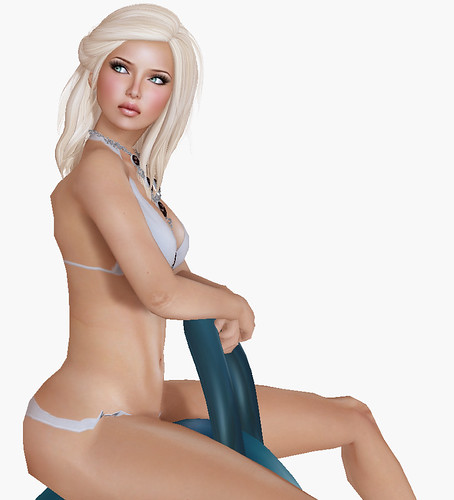
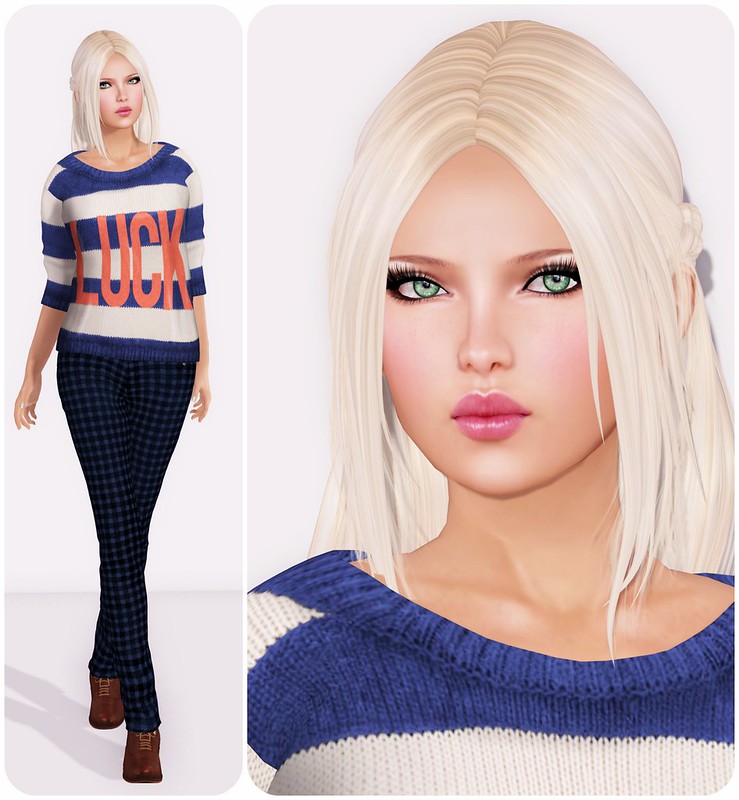
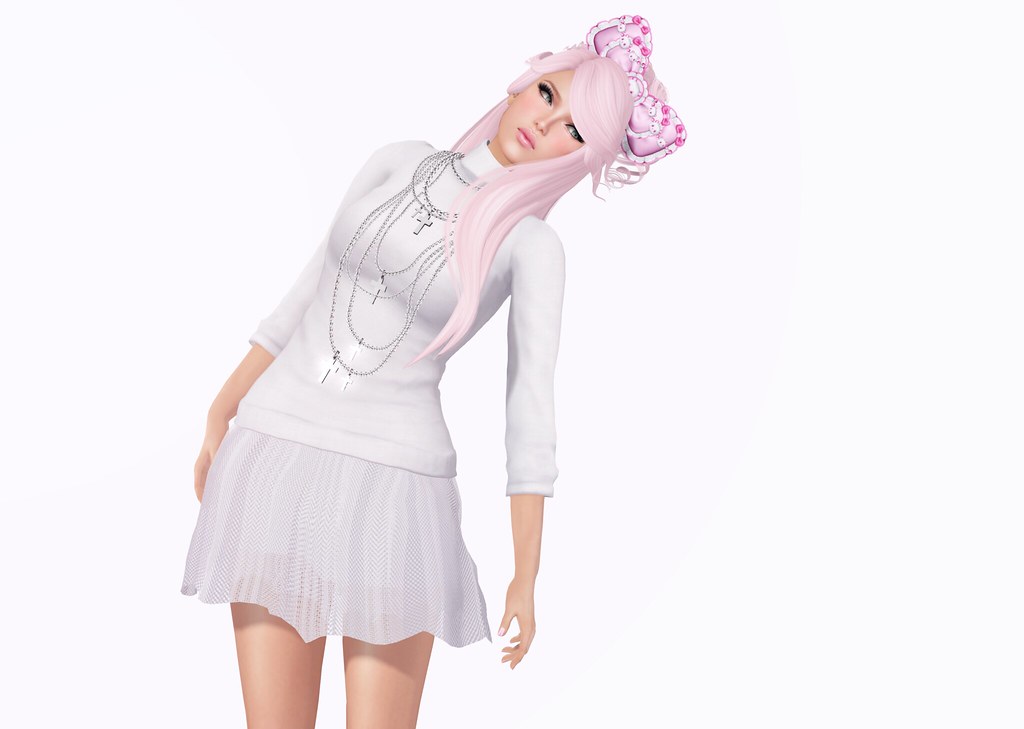
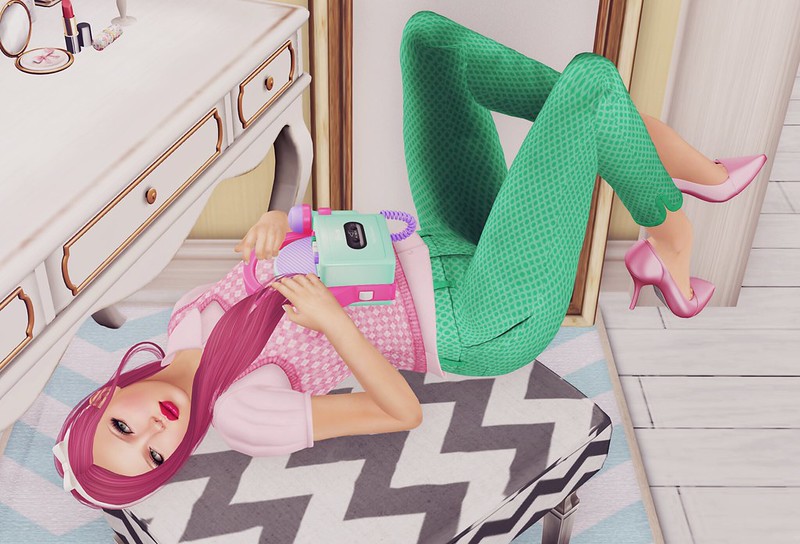
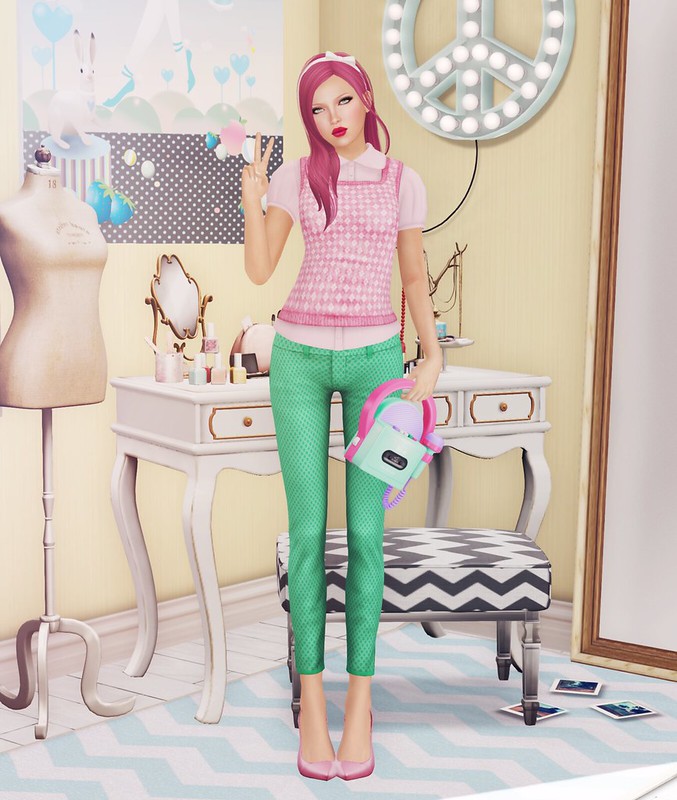
The picture above is my very first snapshot with shadows enabled that looked halfway decent.
I read tutorials about it, I asked my friends, everyone gave me different advice. Use Kirsten, Use Rainbow, Use Emerald, blah blah. I downloaded Kirsten, but it made my avatar’s eyes turn Orange and also I didn’t like the UI at all (why was it tinted green?). I haven’t ever used a 3rd party viewer before so it threw me off a lot, so I ran back to the Second Life 2.0 viewer and tried again.

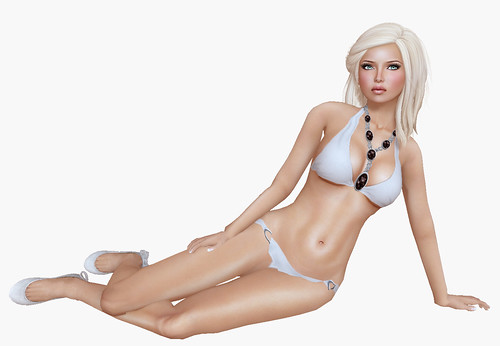
(unprocessed photo straight from SL; adjusting the sun/moon position creates different shadows, just like IRL)
While shadows is still not perfect (eyes are invisible so you have to wear prim eyes), I just love it so much. I hope SL is listening! I want my eyes to rez and for alphas to rez better, pretty please?

I’m still getting the hang of it but I really like what I’ve seen so far. Since I really suck at Photoshop, I could never have done shadows like these on my own.

Read this if you want shadows (all you need to know):
Dynamic Shadows Added to SL Release Candidate As “Experimental” Feature
SL 2.0 Beta still running too slowly on your Mac? No worries!
I found these two blog posts very helpful. I didn’t do everything that Gwyneth Llewelyn suggested in her blog post, but it might help some of you guys!
How I turned my shadows on:
Ctrl+Alt+Q to bring up the Develop menu on your SL 2.0 client
Scroll down to Rendering and make sure these things are checked:
- -> Framebuffer Objects
- -> Deferred Rendering
- -> Global Illumination (optional)
Note: Make sure to that your Preferences -> Graphics is set to Ultra before attempting to turn on shadows.
I couldn’t take a snapshot with everything set on High (my screen turned black), so once shadows was enabled, I turned a few things that are not so important to low, like terrain, sky, trees, flexiprims… etc.
If you can’t enable shadows at all, maybe your graphics card is too old.
I am definitely open to suggestions, so if you’ve found a viewer or combination of settings that works, please share! 🙂
And because you guys always ask me when I don’t credit something, here’s what I’m wearing:
Boom – Infinity Bikini (Hisbiscus Lt Pink)
&
Exile – Gossip Girl (Champagne)
Hays Uriza – Natural Eyes (prim eyes)
eha – 7 Days in Sunny June White Flower top
Malt – Capri Lace Tights (Sugar)
LeLutka – Pow Pumps (Powder Blue)