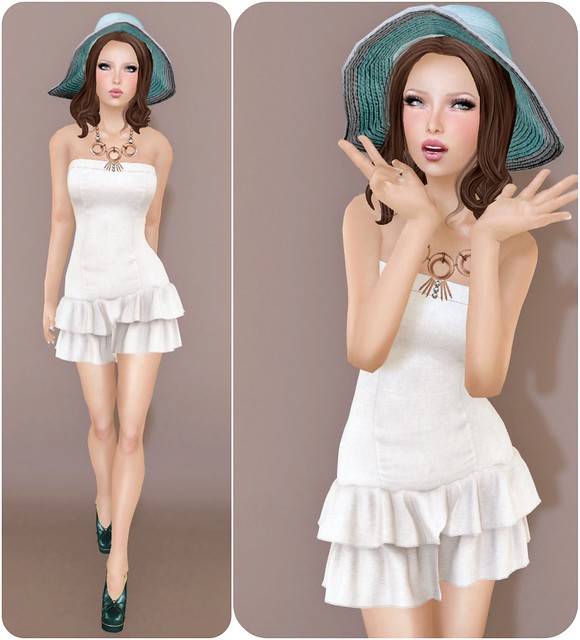
Join the Celoe group in-world to get this new Chelsea dress (in Champagne) for free! Celoe is the new brand from the talented team of LeLutka creators. The new Celoe main store, and also Mon Tissu main store will be housed on the Mayfair sim. I don’t know if any single sim in SL can handle so much talent, but we shall see!
Have you heard of Standard Sizing? Some brands in SL will now create things in Standard Sizes, which is suppose to help people fit mesh better (if you happen to be sized pretty close to these XXS-Large Standard Sizes). I fit the M(edium) from this package pretty well except for some areas (boobs, body) buuuut…… I thought it looked kind of BULKY! So I modified my shape and squeezed into the S(mall). What about you? Which size do you fit with the new Standard Sizes?
Also as a side note…. I don’t really agree that Gogo is M(edium). I’m petiiiiiiiiiiiite!
What I’m Wearing:
AOHARU – Hair Megan02a (Chocolate)
Celoe – Chelsea Dress (Champagne) S
Nardcotix – Esther Vintage Pump (Teal)
LaGyo – Roslyn Necklace
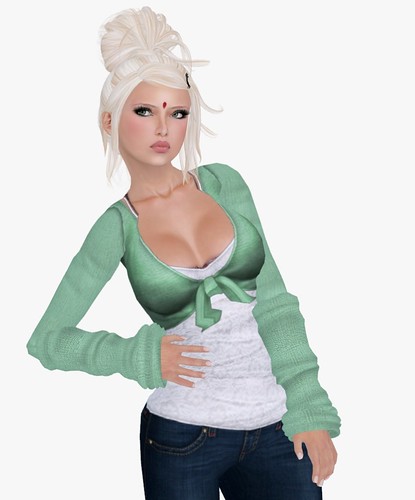


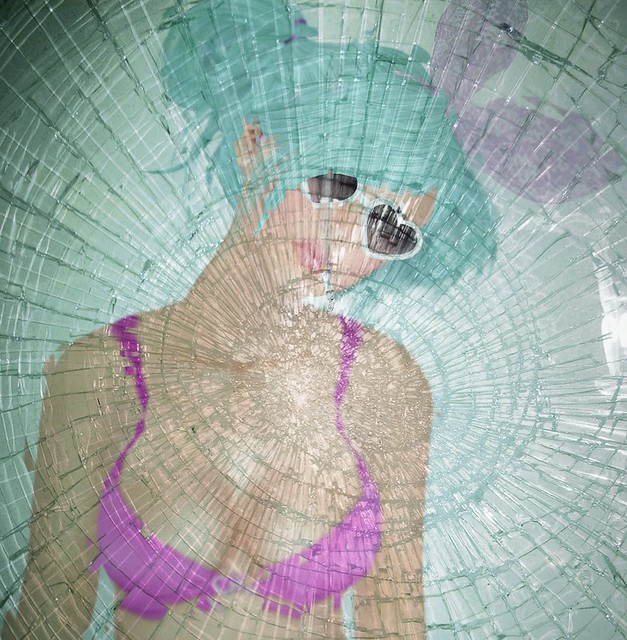


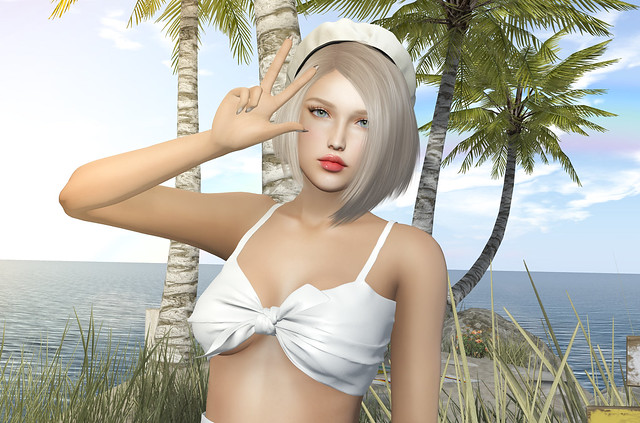
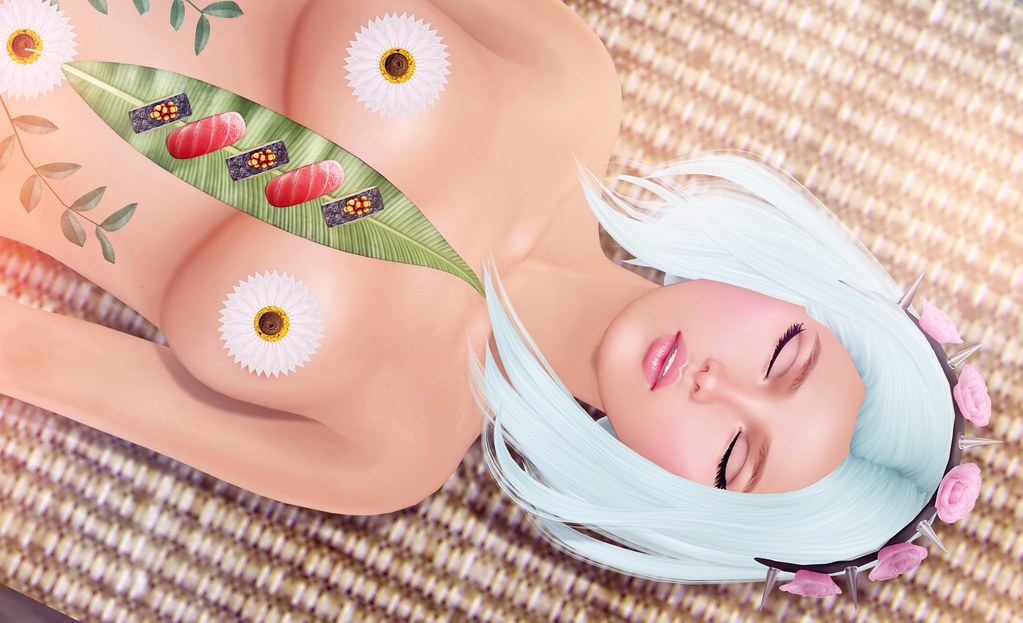


5 Layers!?! I wasn’t aware of that, maybe its because I’m using the Emerald beta and their still working out the kinks. But now that I know the new second life viewer has 5 layers I might switch over to that for now.
😀 Thank you Gogo for mentioning this!
Yay!
You can do that now??
I’ve been wondering if they’ll ever allow that since forever!
Silly skin designers, when are you going to add tatoo layer to your cleavage enhancers? Come on!
Yay can’t wait to try the makeup possibilities now!
As a model, I am being viewed by many others not using the 2.1 browser. How do these new features hold up being viewed by Emerald, which is used by at least half of SL these days.
Hello,
the problem with it is, that the order of the worn layers isn’t being saved yet, so on relog/crash it might get messed up. The server version 1.4 needs to get rolled out for this, first.
And it should be 6 layers per clothing type, Nyx Linden said. That should result in:
– skin
– 6 undershirts
– 6 shirts
– 6 jackets
– tattoo layer
and on top to mask out stuff again for boots etc:
– alpha layer
21 layers … and that all gets baked into 3 textures … head, torso, bottom, and uploaded to the servers. So only 3 textures for the body sent out to other clients. 🙂
Tillie that is awesome news, particularly about being baked to just 3 textures to deal with on the download … also based on Gogo wearing 3 Tattoo Layers in the pic above, could be even more tattoo layers than Nyx indicated could be even more … I still curious about how this works though … how did it know which jacket layer or which shirt layer to put on the outside? Is there some sort of trick to ordering the layers of the same type like a numbering system or shift items around in your inventory to give them priority, or does it just place them in what ever haphazard order it feels like?
Melanie over at GridExpectations answered my question about order in her article “LAQ hairbase and brow kits” with this section:
“By the way, if you’re like me and finding yourself wearing more and more multiple items on layers in 2.1, controlling the order in which your layer items stack up is easy.
1. Go to the My Appearance tab on your sidebar
2. Click on the Wearing tab
3. Click on the tools icon (hover over the icon and the text “Edit this outfit” will appear); your avatar will go into the Appearance mode pose at this point
4. Expand the Clothing section to see all your clothing layer items in a list format
5. Hover your cursor over the layer items and you’ll see directional arrows appear to the right of each item
6. Click those arrows to move the associated item up or down in the stack order”
This was good information to find because I had previously been told that the only way to do this was to put them on in the correct order starting with the one you wanted the closest to the skin layer going on first. Also, if you changed your mind, you had to start all over.
‘xcuse me, that cute ballet shrug cardigan sweetie that you’re wearing – where did you get it, please? 🙂
I tried my luck with search and just the “Lorie” term, but looks like that was a pretty vague attempt.
It’s a really old Last Call item – Lorie outfit 🙂
i have a ton of old last call and Dazzle stuff i never wear, Do yall know anyone that would want to buy them and how much they are worth ? I didn’t have the Lorie one though Lil =( but i bet i have 70 outfits.
Last Call, eh? That explains… first off, why I couldn’t find it and secondly, why I digged it 😉 Thanks!
SadieMae, if you have a bit of time, you could list all your outfits seperately as “used items” on Xstreet. My friend managed to sell several of her Last Call outfits for the final sale price – but I’ve also seen listings from L$400 – L$700, for a wedding/ballroom gown, I believe.
I know its still in beta- but is it just me or does this multiple layering not work all the time? It was just working for me but now I can only wear one item at a time… I relogged and nope still only one layer? 🙁
You have to right click, and ADD new layer instead of Wear 🙂