
Jewelry Fair 2011 is open! I went to all four sims with my friend Melanie, and we had such a blast sim hopping and exploring the different themes. Each sim is designed to represent the four elements – Air, Earth, Fire, and Water. My favorite sims were Air and Water — they were so tranquil!
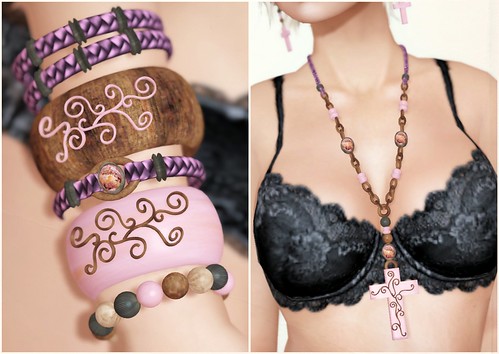
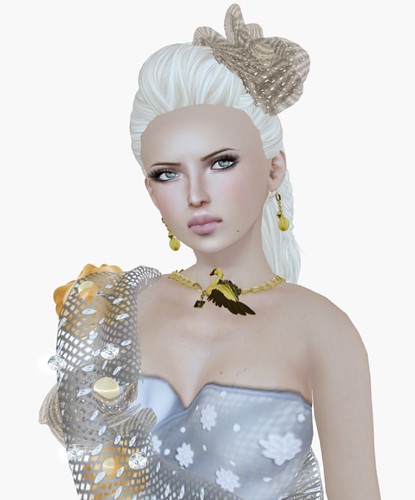
I stumbled into the CentoPallini booth (on the Air sim), and fell in love with a couple of the jewelry sets on display. This new-to-me brand has some beautiful jewelry sets with great designs and amazing textures. I picked up the Ivory Cross in Rosa (includes matching earrings), and matching Wood Bangles. The jewelry is no mod, but is scripted to resize.
Visit Jewelry Fair!
Jewelry Fair Air
Jewelry Fair Earth
Jewelry Fair Fire
Jewelry Fair Water
What I’m Wearing:
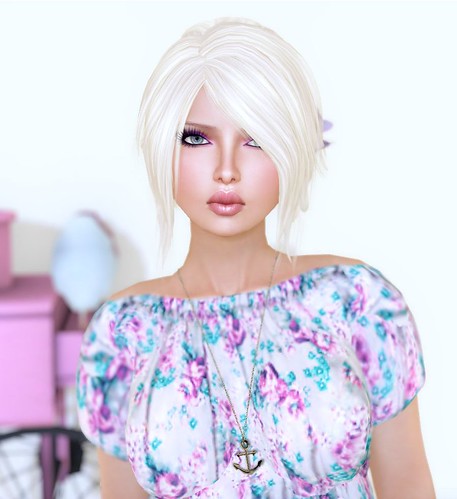
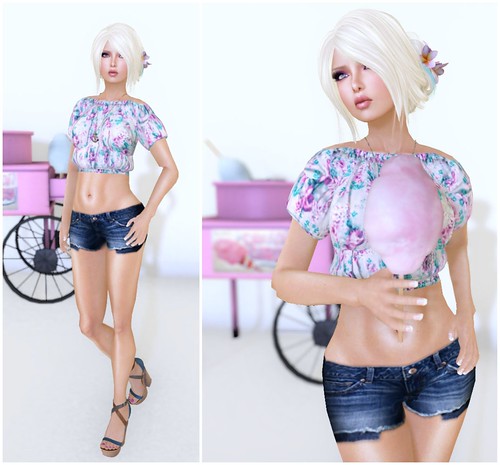
Pink Fuel – Elly (Honey) Pure (ltbrow)
Pink Fuel – Elly (Honey) Sheer Balm (Plink)
Exile – Aroha (Roots) Stefani
Pacadi Jasha – Oona Lingerie (Black)
CentoPallini – Ivory Cross & Wood Bangles




wow lots of places. advertising does affect me though. why wouldn’t a store update their pictures by taking out the outdated skin wearing models with hair from 2005. i wouldn’t even go into that store, because i’m assuming the jewellery is from that era, therefore not very modern or updated? am i judgemental?
Ah, yeah. My friend saw someone who was using a Starley skin and extremely old ETD hair in their vendor! I had flash backs of 2006! I always assume those people are people who can’t be bothered to spend a single Linden in SL — or they’re dusty alts?? I don’t like shops with dated ads either 🙁
well call me judgemental then! i can’t help it. presentation means a lot to me. lol.
mhm. the old pictures. with noodlehair and skins from the last worldwar don’t invite to spend a single linden for the stuff. i mean. A desgner get better skills with the time and should try to pomote his store the best way :/
I’d love to know when a skin fair is coming up. I want to launch my new skin line but I’m not sure how’s the best way to go by doing it. I’ve been in only one skin fair before and that was with my old store. So I want to start fresh. I’ve heard about recent hair, shoe, & jewelry fairs, but any skin ones coming up?
Skin Fair happened at the beggining of summer (may? I can’t remember exactly, I have an horrible memory) so I would expect the next one in about 6 months, more or less. Hope it helps 🙂
I have to say I hate the display sims… perhaps it’s just me but every Fair should be focused on the products more than anything. Heavy sims distract me from the main purpose of shopping for a product…
Where Can i fine the “Pacadi Jasha – Oona Lingerie (Black)” ive lloking in word and done a few searches but haven’t been able to fine anything? Ty