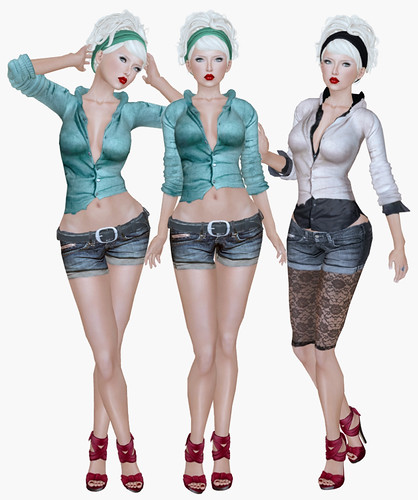
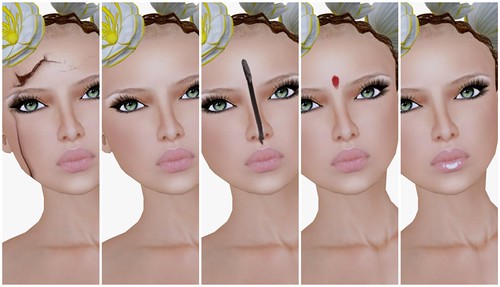
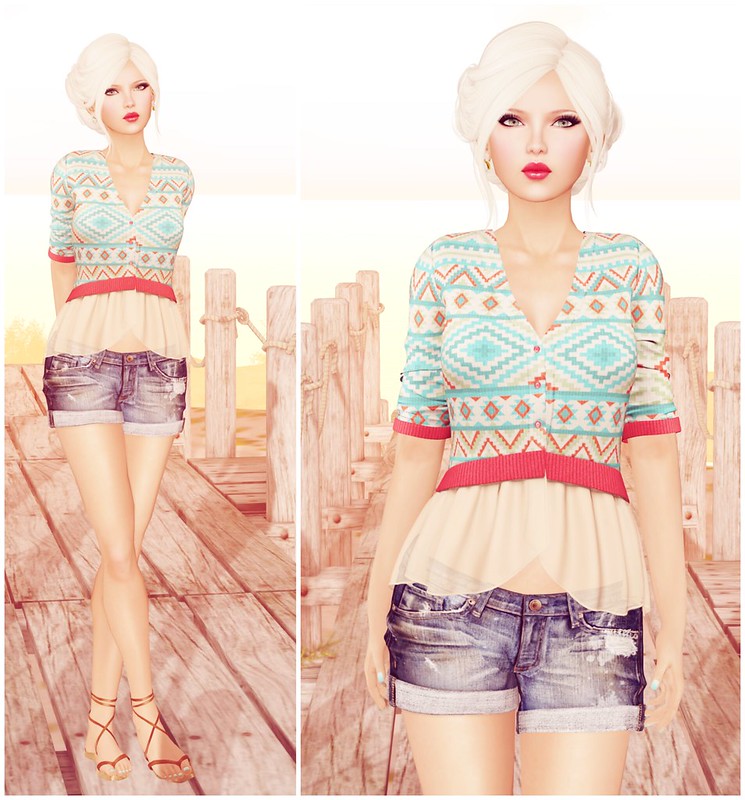
Today I want to share a fun new project called Dream Overlay. It’s a free browser based photo editor that lets you transform your photos with dreamy, nostalgic overlays and effects, whether they’re Second Life screenshots or your real life memories.
If you’ve followed JuicyBomb for a while, you probably know how much I love taking photos in Second Life. I’m also a huge fan of retro aesthetics, old film, film grain, light leaks, faded photographs, rainy windows, and all those little imperfections that somehow make a photo feel more like a memory. Dream Overlay was inspired by that style and by my love of editing photos.
I wanted to create something that made photo editing easy and fun for people like me. You shouldn’t have to buy expensive software or pay for a subscription just to add a little nostalgia to your pictures. Everything runs right in your browser, so there’s nothing to install and no account to create. Your photos stay on your device, and if you’d like to continue editing later, you can export your project as a Dream file and import it again anytime. You can also export full resolution images or create high quality MP4 videos with animated effects.
If you’re not sure where to begin, check out the premade Looks in the sidebar. They’re a fun way to get started with just one click, and you can always customize them further to make them your own.
Photo overlays aren’t exactly a new idea, but I wanted to build something that was simple, completely free, and enjoyable to use. I hope Dream Overlay makes editing your photos a little more fun, whether you’re capturing moments in Second Life or in real life.
A Few Tips
Dream Overlay runs entirely in your browser, so editing very large photos or rendering MP4 videos may temporarily use more memory or CPU power. That’s completely normal and stops once the export finishes. If things ever start feeling slow, try refreshing the page (Ctrl + F5 on Windows or Cmd + Shift + R on Mac), use fewer fewer filters, closing a few browser tabs, or working with a smaller image if you’re using an older computer.
I’m not a professional programmer, so building Dream Overlay has been a learning experience for me. If you happen to find a bug or something doesn’t work quite right, please let me know. I’ll keep improving the editor and fixing issues as I learn.
If you enjoy using Dream Overlay, I’d really appreciate your support by sharing it with your friends. I’d also love to see what you create! Feel free to share your edits in the Dream Overlay Flickr Group so everyone can get inspired by each other. If you post your creations elsewhere, I’d appreciate a credit to Dream Overlay so more people can discover the editor.
I really hope you enjoy using Dream Overlay as much as I enjoyed creating it. Have fun, and I can’t wait to see what you make.