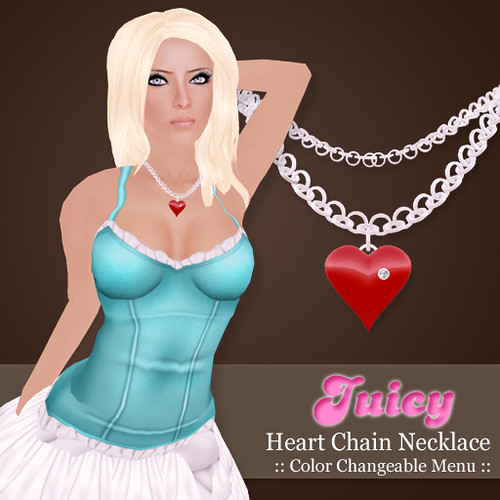
New release! The JUICY { Heart Chain Necklace } has a color-changeable menu so you can match it to any outfit in any color your heart desires.
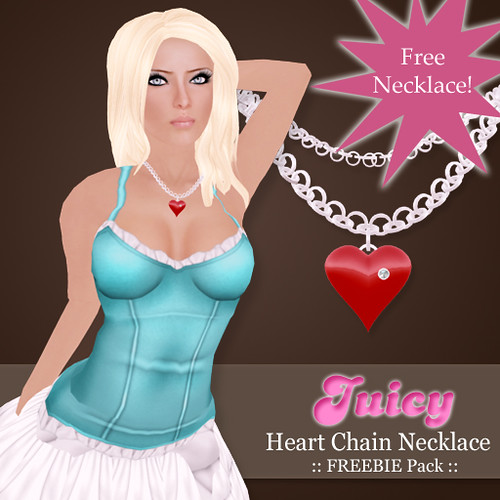
Oh.. and there’s a freebie! Cos I am in a good mood. The freebie version does not have a menu, but I have included four smexxy colors in the package. Come and get it!
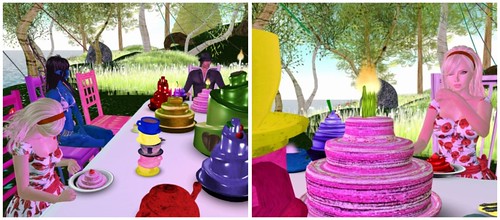
I went to the Ozimals sim preview, it was fabulous!! I’m going to start with my favorite spot first.. I forgot what it’s called but it had a great Alice in Wonderland style party area full of cakes and tea/coffee? YUM!
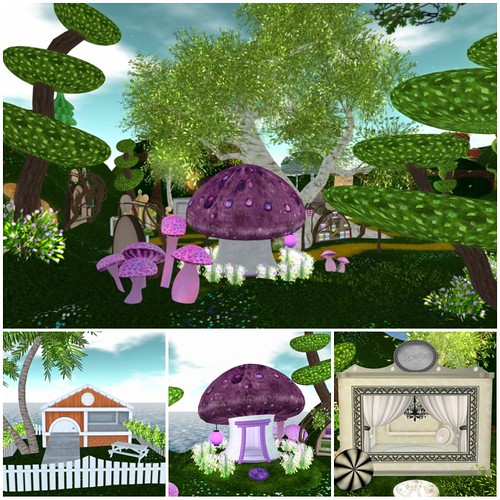
Check out these posh bunny homes, a collaboration between Callie Cline and Barnesworth Anubis, they’re so cool! I wish I could live in them!
These are the Ozimals pet bunny — so cute? Like hamsters. Munchh Munchhh!
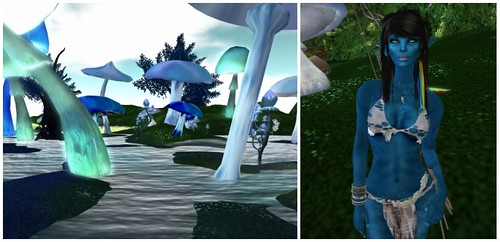
The Ozimals sim had lots of areas to explore! Left: Marsh area; Right: my friend Lashy in her AVATAR, hah! they match!!
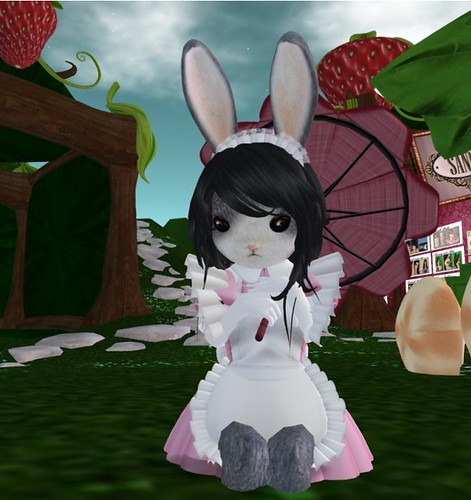
I spotted this adorable bunny avatar hanging around. I forgot her name, but her outfit was really cute.
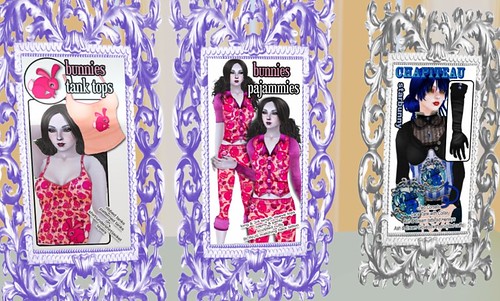
Stuff to buy…
My tour of the Ozimals sim ended back where I started, at the main store. Check out these pajamas!
And of course, you’ll need a can of Red Bunny after all the exploration. Get it? Red Bull.. Red Bunny… cuute!
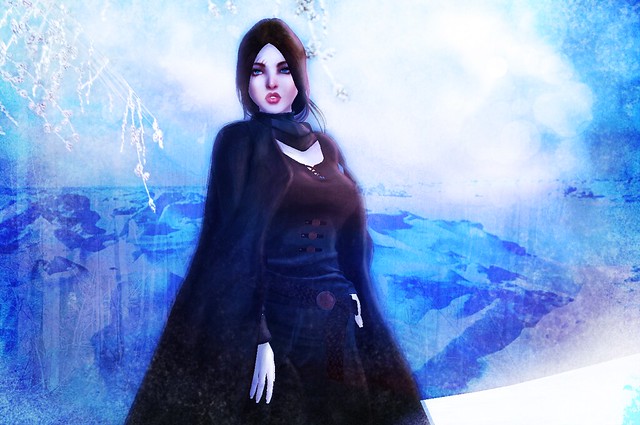
“What failure? Where?” you ask, because the title of this post is certainly intriguing, isn’t it? There’s no failure in this picture. But ah, that’s where I’ve got you. It’s on my face. Look closer.
You probably recognize it–a style of skins I’ve attempted before. I released three in the past, plus one mesh head that didn’t sell too well. Would you like to know something else? There were seven more skin attempts I went through that never saw the light of day. I never showed anyone anything because I was afraid of people laughing at me.
I worked on this one after creating an amalgamation of my failure skins together, blending each face until a new one appeared from the combined Photoshop layers. I kept working on them, and then put them on several different mesh heads to see what spots on the face needed improvement and what didn’t. When I was done, I showed my friends. And many of them liked it! I was shocked because–all that failure. All that failure. What made the “no” finally turn into a “yes”?
Passing that threshold for a lot of people also means crossing a line of fear. You are not used to “yes”. You’re used to “no”, “stop”, “wait just a little longer”, which after a while you accept future notions of rejection and stop putting in so much effort. You accept yourself as less-than, you stop reaching so high. When a “yes” finally appears, it becomes you that is hesitant. What if you proceed only to find another “no” somewhere down the line? What if someone doesn’t like the idea of you doing well and tries to make that happen for you?
If you think I might be using the progress of creating a skin as a larger metaphor, you’re right. I might even be talking about another area of my life right now, a parallel story in rl that I may never tell you.
Life is full of secret skin failures. Each one held a lesson for me in what mistakes I made in the past. And I think it’s funny that by combining them, I created a skin that works. Maybe not everyone would like it, but certainly a lot more than in the past. And that’s a good enough starting point for me. I can build from there.
You can, too, with whatever you’re doing. Sort through those failures. Collate them and think about what lesson each one held. There’s a “yes” if you combine them. It’s all in the arrangement.
✿ cheLLe ✿ has a new set of moles and freckles! They are above the lips, under the eyes, above the eyebrows, and on the cheek. I think a sexy lil mole adds character, and is oh-so-sexy! This pack also includes a bonus freckles tattoo in Light, Medium, and Dark tone.
If your name is listed above, you should have received a boxed item from me, but if you didn’t just let me know in-world! Thanks!
Hidden profiles cannot be found in search, so if I cannot find you to gift you, I have to pick a new name! So if you want to win cheLLe goodies, make those profiles public!
The Call for Couture Festival starts today! This event runs from October 10th – October 31st, so you’ll have plenty of time to shop around and also bid on some exclusive items at the auction.
I’m wearing a couple of the fabulous items you’ll find at CFC (see credits below).
If you love Truth hair as much as I do, there’s a fatpack of this new Padma style for just $110L! This is part of the 10-10-10 event thing and the hair pack will be on sale for 10 days.
What I’m Wearing:
Laqroki – Nellie 02 (Fair) Glow Skin
Caroline’s Jewelry – Kennedy Pearls Jewelry Set
Muism – Simple Black Dress (CFC)
SLink – Ariadne Ankle Boots (Black)
AddiCt – Day Tripper Bag / Blondie (CFC)
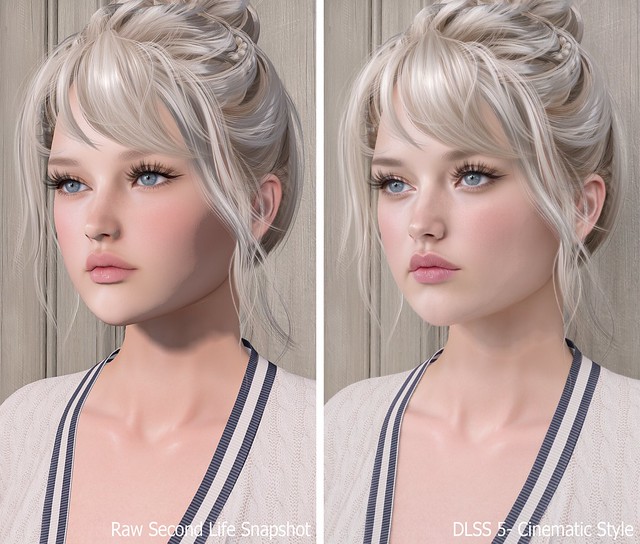
Previously, I shared my first DLSS 5 photo and promised I’d return with the full process, comparison photos, and everything I learned while getting it working in Second Life. What I expected to be a quick installation turned into a much deeper dive, but after plenty of reinstalling, troubleshooting, and comparing files, I finally found a setup that works for me.
DLSS stands for Deep Learning Super Sampling, an NVIDIA technology that uses AI to improve graphics. DLSS 5 goes beyond simply sharpening or upscaling the image by enhancing lighting, textures, materials, shadows, and small details in real time. The result still looks unmistakably like Second Life to me, only more polished and realistic.
The process may seem confusing at first, but once you have the correct files, installing it on another viewer should take about five minutes.
TL;DR: The Short Version
If you don’t want to read this entire post, here’s the condensed version:
Add Firestorm-Releasex64.exe, or the executable for your preferred viewer, and select OpenGL, ReShade (default) and DLSS5-Feeder (No DLSS / Incompatible DLSS).
Let DLSS 5 Swapper install the required files.
Replace the renodx-dlss5.addon64 with the older file posted by Krish as v4.55 in the official RenoDX Discord. It appears as approximately 1.61 MB in Windows or 1.62 MB in Discord.
Launch Firestorm and check ReShade’s Add-ons tab for DLSS 5 Feed 0.15.1 and DLSS 5 Neural Rendering.
Press F6 to turn neural rendering on or off.
If the optional Swapper controls say NOT CONNECTED, DLSS 5 may still be working.
The Videos That Helped Me Find the Answer
FlutterWonder’s DLSS 5 video led me to the solution. I reached out in Second Life and learned that the older renodx-dlss5.addon64 file was the missing piece. Thank you, Flutter!
I also found Athena Felicci’s DLSS 5 video. Athena has a Discord with instructions for another method. I haven’t tried it, but it appears to work for other residents.
How to Install DLSS 5 in Second Life
Step 1: Make a Separate Firestorm Installation
Copy your Firestorm folder and give the copy a different name. This lets you install ReShade, replace files and troubleshoot without risking your main viewer. Once everything works, keep a backup of the entire folder because newer experimental files may not work as well with Second Life.
Step 2: Add Firestorm to DLSS 5 Swapper
Open DLSS 5 Swapper, add a new game or installation, and select Firestorm-Releasex64.exe from the copied Firestorm folder. Be sure you modify and launch the same installation.
Use these settings:
Rendering API: OpenGL
Rendering backend: ReShade (default)
Installation route: DLSS5-Feeder (No DLSS / Incompatible DLSS)
Let the installation finish, then check the Firestorm folder for reshade-shaders and the required .addon64 files.
Step 3: Replace the RenoDX File With the Working Version
Join the official RenoDX Discord, open the #dlss5 channel, and check the Pinned Messages for the renodx-dlss5.addon64 file posted by Krish as v4.55. Discord displays the file as approximately 1.62 MB, while Windows displays it as approximately 1.61 MB.
Close Firestorm, open its installation folder, and overwrite the existing renodx-dlss5.addon64 with the older working version.
Step 4: Launch Firestorm and Check the ReShade Add-ons
Launch the Firestorm installation you modified, open ReShade with the Home key, and select Add-ons. My installation shows:
DLSS 5 Feed 0.15.1
DLSS 5 Swapper Overlay
DLSS 5 Neural Rendering
DLSS 5 Feed and DLSS 5 Neural Rendering are the important ones. DLSS 5 Swapper Overlay is optional, so its absence doesn’t mean the installation failed.
My ReShade Tips
The default ReShade controls can be annoying in Second Life, so these small changes make the setup much easier to use.
Change the ReShade overlay shortcut under Settings if you don’t want to use Home. I use the ~ key.
Set Settings > General > Input Processing to Pass on all input so you can control Second Life while ReShade is open.
Drag the top of the ReShade panel to move it anywhere on the screen.
Press F6 to toggle DLSS 5 neural rendering on or off.
Important Notes Before You Try This
This is an unofficial and experimental method.
Use DLSS 5 in short bursts for photos or testing instead of leaving it running all day. My viewer eventually felt slower, and my graphics driver crashed.
I tested this on Windows with an NVIDIA GeForce RTX 3090 Ti, not on a Mac.
Other graphics cards, drivers and viewers may produce different results.
Back up your viewer folder and working RenoDX file.
Download executable add-ons carefully and only from sources you trust.
If you try it, let me know which viewer and graphics card you used and whether the older RenoDX file worked for you. This setup is changing quickly, so something that works today may behave differently after a future update.
Need Help with Installing DLSS 5 to Second Life Viewer?
Join the Second Life Cafe Discord, dlss5 channel if you need more help: https://discord.gg/cdKVGHmYjq. I will answer all of your questions there!








Cute! I love these 😀
Btw, where is that shirt your wearing in the pictures from? Its adorable!